Samsung has been steadily updating its Good Lock modules to make them compatible with One UI 8, and now, it’s finally Game Booster+’s turn. This long-awaited update is especially great news for mobile gamers who rely on the tool for enhanced in-game controls and graphics optimization.
Game Booster+ now officially supports One UI 8
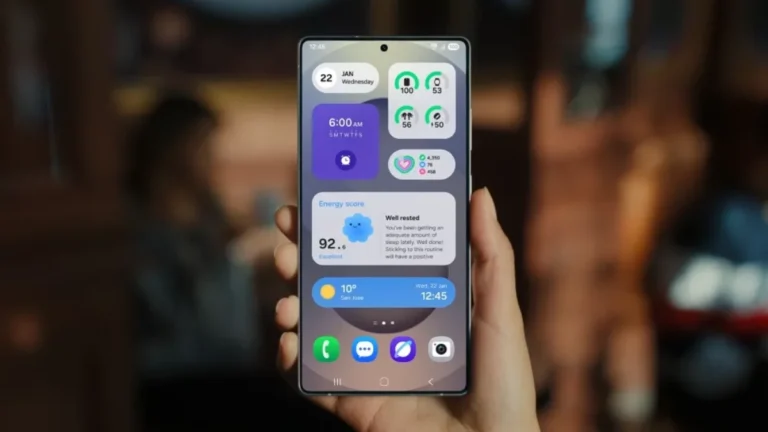
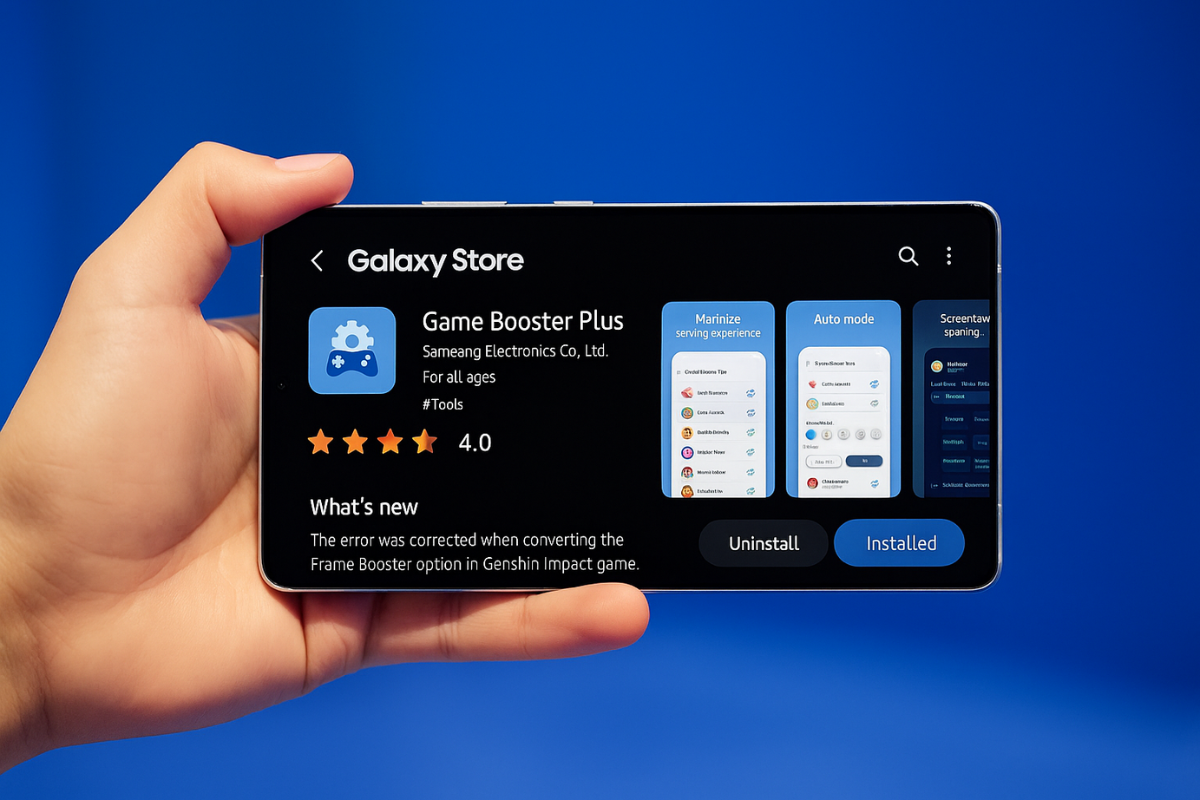
While many Good Lock modules already support One UI 8, Game Booster+ was one of the few holdouts. With the release of version 1.0.01.6, Samsung has now added official Android 16 / One UI 8 support to the module. That means it now works seamlessly on Samsung phones running the One UI 8 beta—such as the Galaxy S24 series, Z Fold6, and Flip6—as well as Samsung’s new foldables that come with One UI 8 out of the box.
Related:
1. Samsung makes major changes to One UI rollout strategy
2. One UI 8 will be the last major upgrade for these Galaxy devices
Latest Game Booster+ update adds One UI 8 compatibility and more
Game Booster+ got a major update earlier in June 2025, bringing features like slot-based key remapping for gamepads, the ability to update GPU settings in-app, and various bug fixes to improve performance and stability. With today’s release, the module becomes fully compatible with Samsung’s latest software, ensuring gamers don’t miss out on performance tweaks during the beta phase.
Game Booster+ remains one of the most popular Good Lock modules among Samsung users. It allows for deep customization of gaming performance—letting users tweak resolution, frame rate, and graphics settings for individual games. The added ability to remap physical keys and apply GPU optimizations makes it a must-have for serious mobile gamers.
How to update Game Booster+ to the latest version
To install the latest Game Booster+ update on your device:
- Open the Galaxy Store.
- Tap on the Menu option (bottom-right corner).
- Select Updates.
- Tap Update All or individually update Game Booster+ from the list.