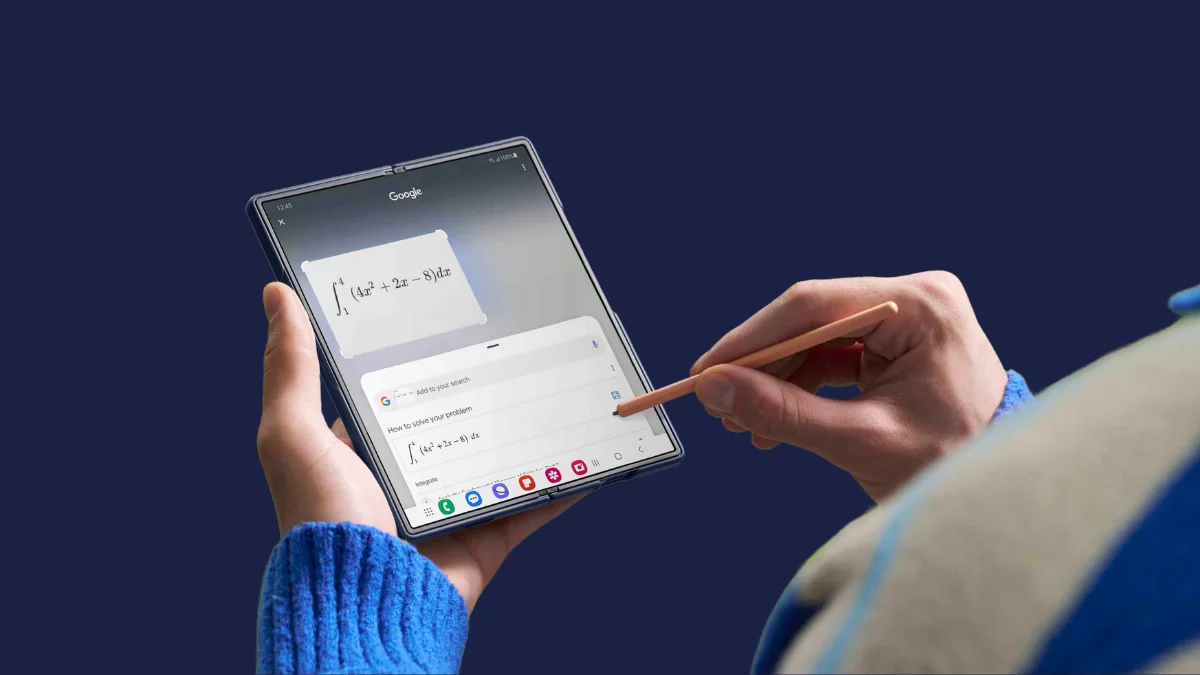
Samsung isn’t slowing down with its Android 16 rollout. Just a week after releasing the stable One UI 8 update for the Galaxy S25 series, the company has now started pushing the same update to its latest foldables — the Galaxy Z Flip 6 and Galaxy Z Fold 6. Both devices went through a couple of beta builds recently, and now, users in South Korea are getting the stable release.
Galaxy Z Flip 6 and Z Fold 6 join the stable One UI 8 party
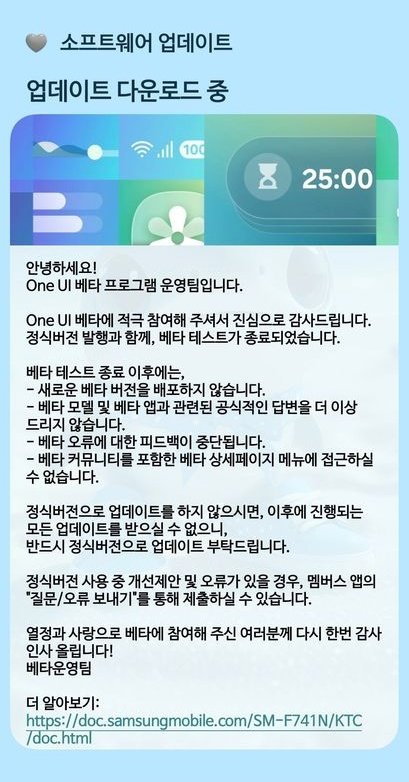
The rollout, as spotted by Tarun Vats, is live in Samsung’s home country, with the Galaxy Z Flip 6 receiving firmware version F741NKSU2CYI6 and the Galaxy Z Fold 6 picking up F956NKSU2CYI7. For users who were part of the One UI 8 beta program, the download size is around 600MB. However, if you’re still on One UI 7, the stable update will be much larger, clocking in at around 4GB since it includes all the new features and under-the-hood changes.
For now, the update is limited to South Korea, but Samsung usually expands major releases quickly. Users in more regions should see the rollout begin in the coming days.

What’s new with One UI 8 on Samsung’s foldables?
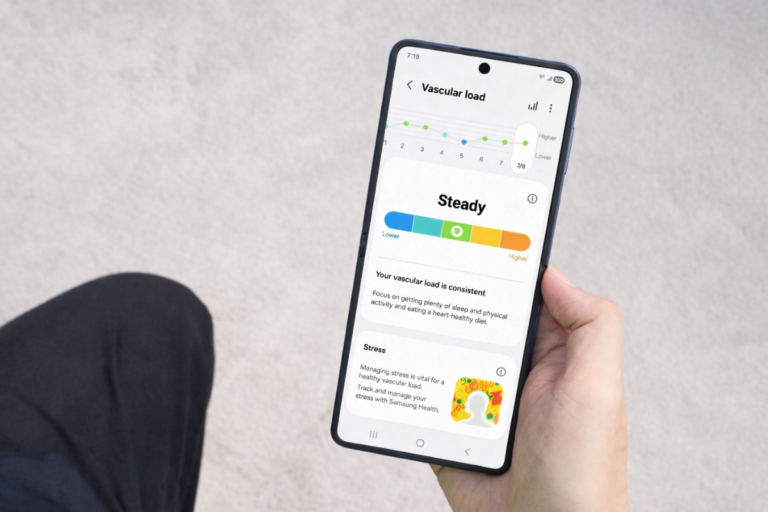
The stable One UI 8 update is packed with refinements and new features. Samsung has polished the design of stock apps like My Files, Quick Share, Reminders, Samsung Internet, and Weather, giving them a cleaner and more consistent look. Secure Folder is now more robust, while Samsung DeX benefits from Android 16’s improved desktop mode.
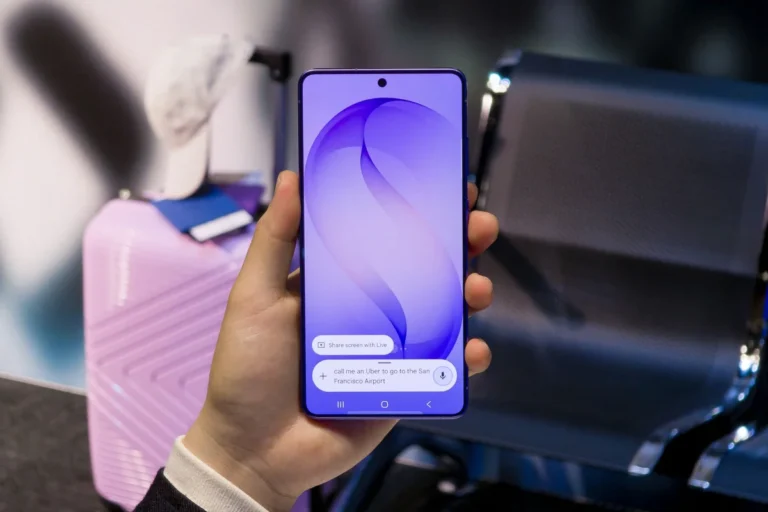
Galaxy AI also gets smarter with tools like AI Select for enhanced text handling and Audio Eraser for removing unwanted background noise in recordings. The Camera app has a new swipe gesture to quickly access controls, and Auracast audio broadcasting has been improved for better connectivity. Other apps like Alarms, Calendar, Modes and Routines, and Samsung Health have also received usability tweaks.
Another highlight is the improved Now Bar, which now integrates Android 16’s Live Updates feature. This means more apps can display real-time activities, making the Galaxy Z Flip 6 and Z Fold 6 even better for multitasking and quick glance information.
How to get the update?
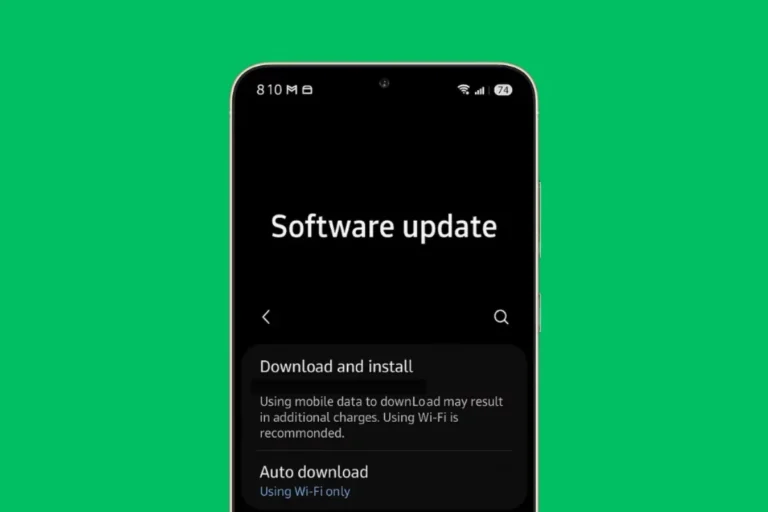
If you own a Galaxy Z Flip 6 or Galaxy Z Fold 6 in South Korea, head to Settings » Software update » Download and install. Once downloaded, tap Install now, and your device will restart with the new stable One UI 8 build. Global availability should follow soon, so keep checking if you’re outside Korea.