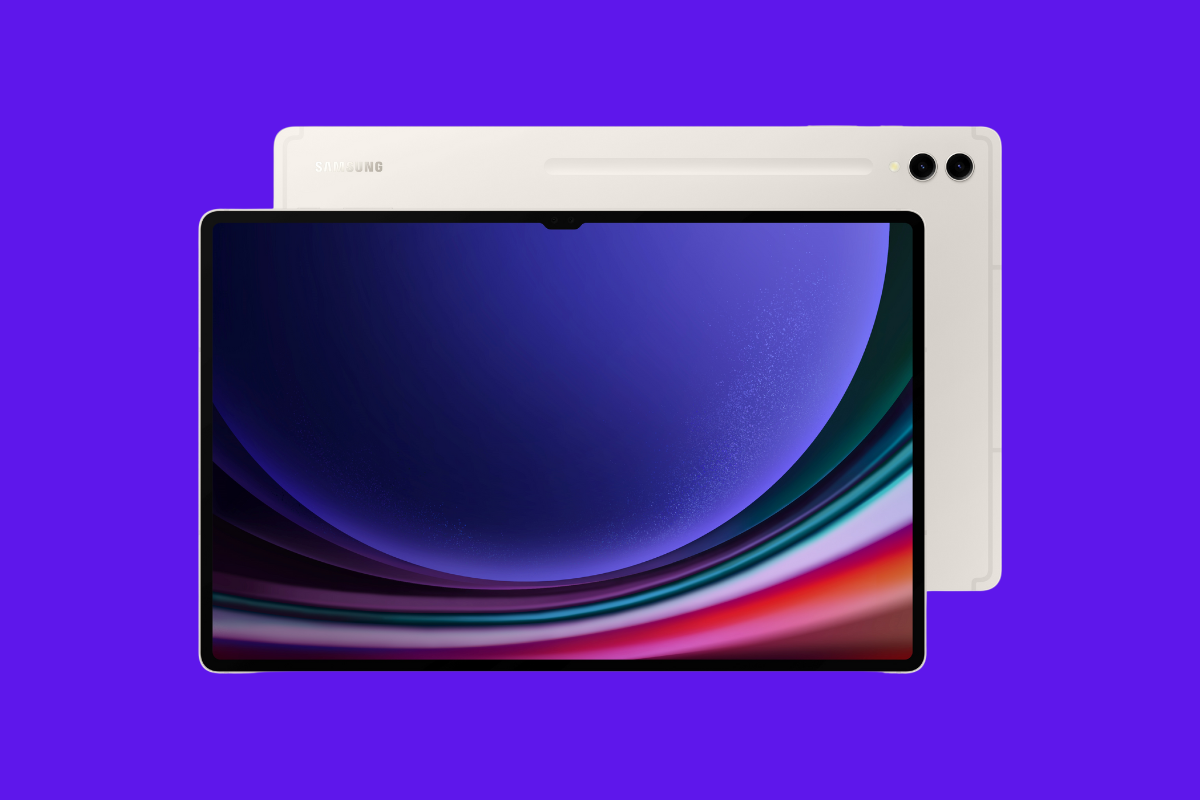
Samsung is wrapping up another busy week of software rollouts, this time turning its attention to the Galaxy Tab S9 series. The company has started rolling out the One UI 8.0 (Android 16) update to the Galaxy Tab S9, Tab S9+, and Tab S9 Ultra, bringing several design refinements, new AI-powered features, and better productivity tools.
Galaxy Tab S9 series getting One UI 8 update in multiple regions
The update is now live across Asia, Europe, North America, and Latin America, marking a wide-scale release for Samsung’s flagship tablets. In South Korea, the Galaxy Tab S9 is receiving the update with firmware version X710XXU5DYI5, while other Asian and European markets are seeing version X710XXU5DYJ1. The rest of the lineup follows with X810XXU5DYJ1 for the Tab S9+ and X910XXU5DYJ1 for the Tab S9 Ultra.
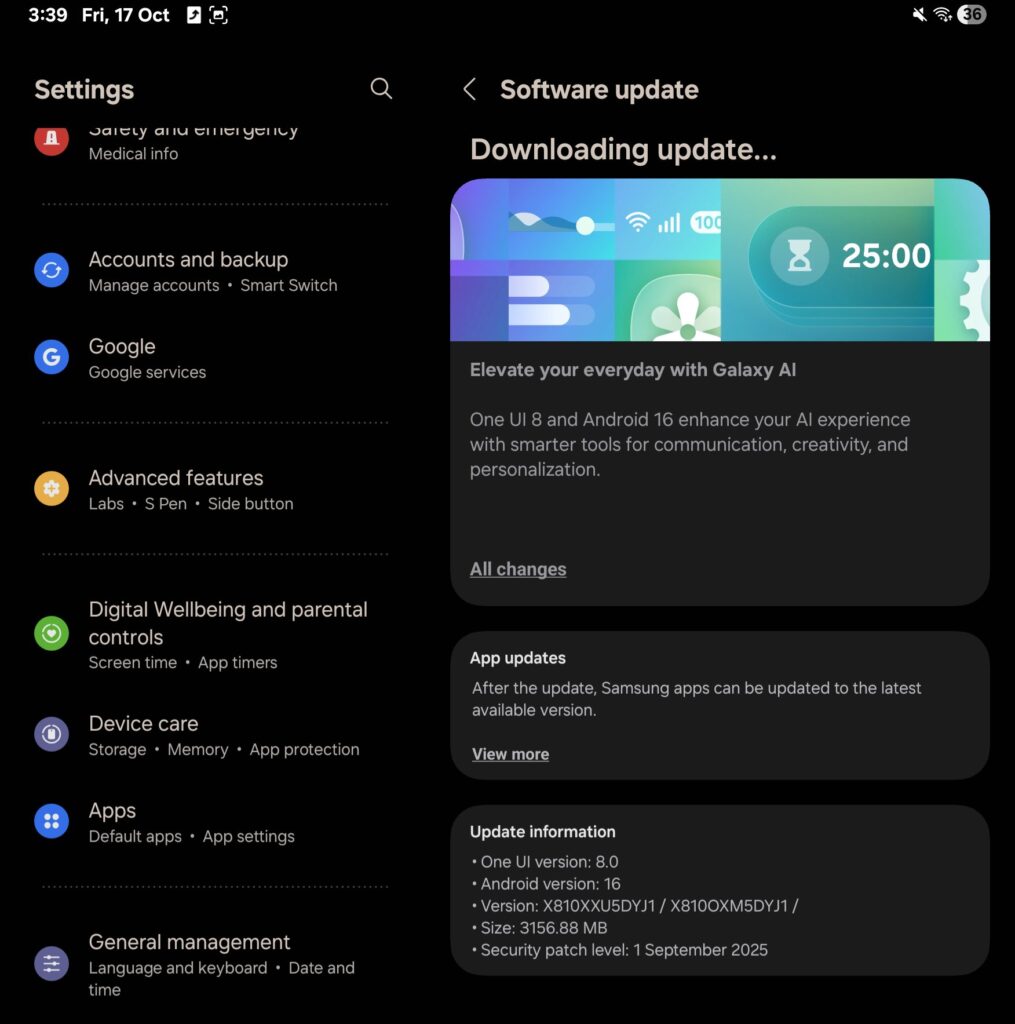
Users can check for the update by heading to Settings > Software update > Download and install. The OTA package weighs a few gigabytes, so connecting to Wi-Fi before downloading is recommended.
Interestingly, the Galaxy Tab S9 series received this update slightly later than some mid-range tablets such as the Galaxy Tab S10 Lite, though Samsung is quickly closing that gap with this broad international rollout.
What’s new in One UI 8 for Galaxy Tab S9?
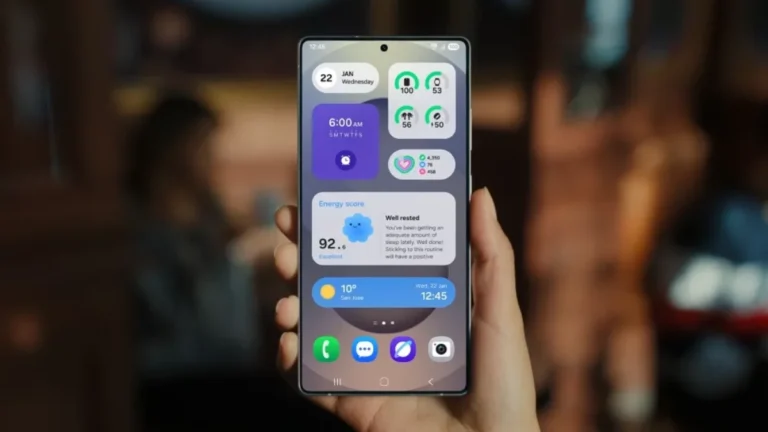
The One UI 8.0 update introduces a wave of improvements designed to enhance both usability and aesthetics. Among the highlights are new Galaxy AI features — including Portrait Studio for pets, language translation for emergency alerts, and faster AI Select for text recognition and summarization. Users will also notice an enhanced lock screen clock, better widget integration, and dynamic wallpaper suggestions.
For multitasking, Samsung has upgraded DeX Mode, which is now built upon Android 16’s Desktop Mode. It brings a redesigned layout with the ability to add widgets, rotate the display, and manage multiple windows more fluidly. Split-screen multitasking now supports up to three vertical app windows, and a new 90/10 mode lets one app occupy most of the screen while another stays minimized — perfect for referencing content.
Samsung has also refined smaller details across the system — from lock screen widgets to Auracast audio, Profile Cards, and the Weather app’s 3D animations — all adding up to a more seamless, premium experience.
source: Abhinovv via X