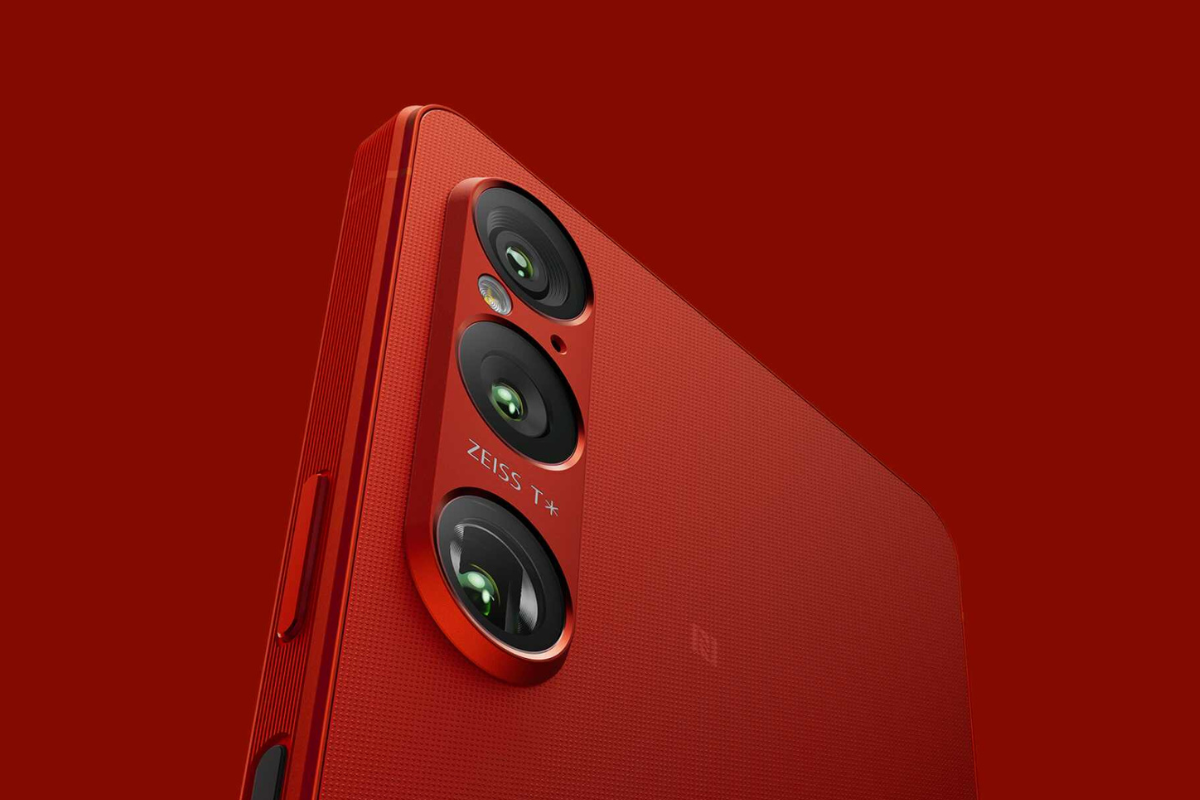
Sony began Android 16 rollout last month with its 2025 flagship Xperia 1 VII, and now it has arrived for the Xperia 1 VI. The phone launched last year with Android 14 and later got Android 15, so this marks its second major software upgrade.
According to Ytechb, the update is currently live in Europe. It comes with the 69.2.A.2.30 build number and weighs around 845MB. Sony typically rolls out updates in batches, so it might take a few days before it reaches all users across the region.
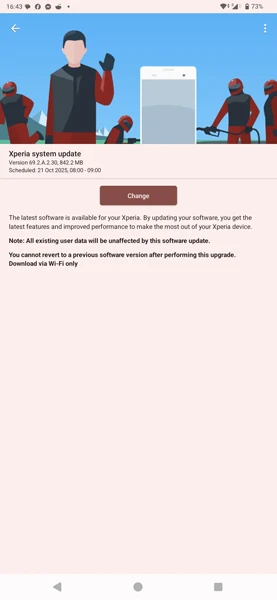
The update brings a bunch of meaningful improvements that make the Xperia 1 VI feel fresh again. One of the biggest highlights is support for HDR screenshots, which deliver richer colors and better contrast. Sony has also fine-tuned QR code recognition, making it easier to scan from different angles and distances.
There are also new Focus Modes designed to help users minimize distractions, and updated image quality settings that fine-tune display sharpness and color tone. The Side Sense menu has received new customization options too, allowing quicker access to your most-used features.
On the personalization front, Android 16 adds more lock screen customization tools, giving users greater control over their wallpaper style, clock layout, and shortcuts. Sony has also introduced new sound effect controls, letting you adjust playback quality to your preference. And on top of that, the update improves battery status visibility and system stability for smoother day-to-day performance.
If you own a Sony Xperia 1 VI and live in Europe or the UK, you can check for the update by going to Settings > About Phone > Software Update and tapping on Check for new updates. Make sure your phone has enough free storage, at least 50% battery, and a stable connection before starting the installation.