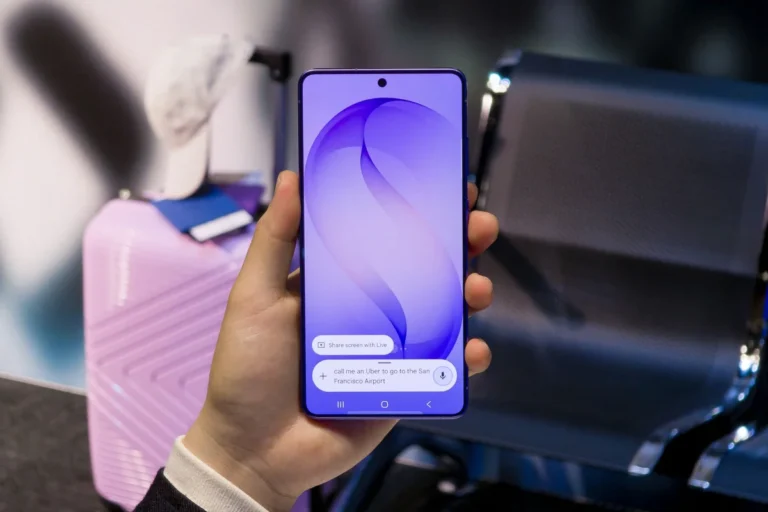
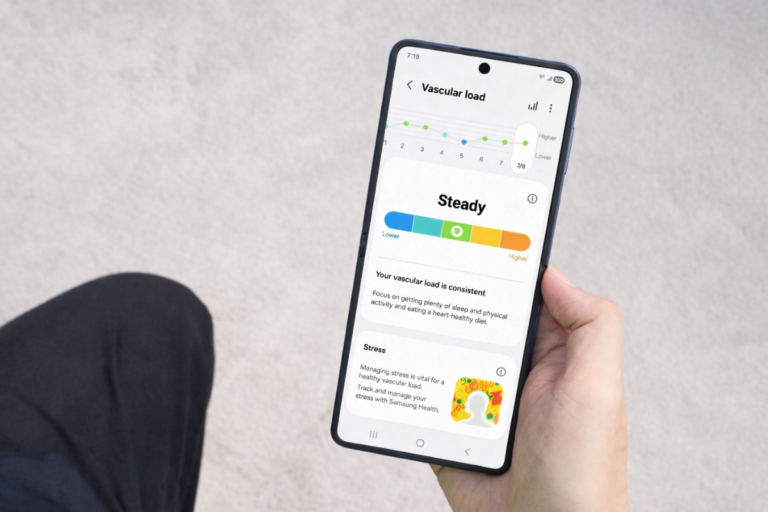
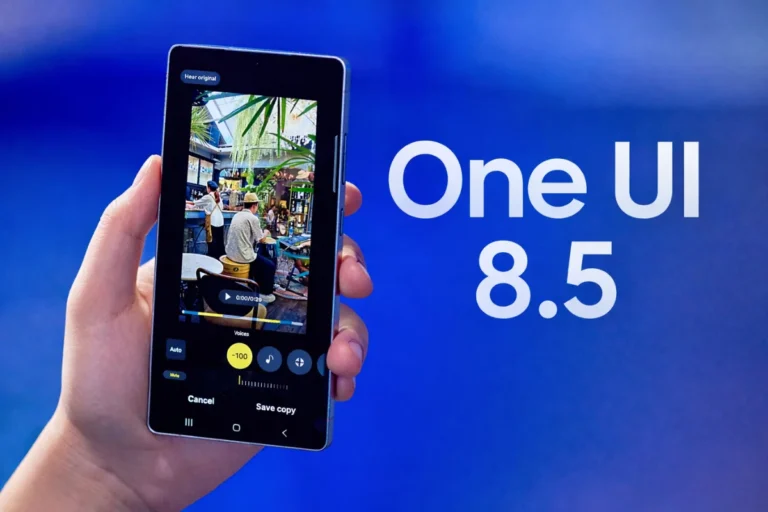
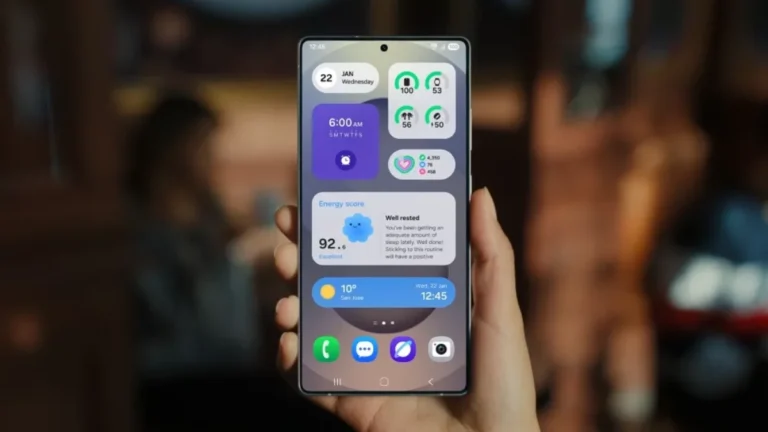
Samsung has officially released the first One UI 8.5 beta update for the Galaxy S25 series. It’s now live for users in South Korea and Germany, and it packs a sizable list of new features and improvements.
The One UI 8.5 Beta 1 update comes with a huge 3.9GB download size and includes the December 2025 security patch, signaling that Samsung is treating this beta as a significant milestone rather than a minor incremental release.
As expected, the changelog is extensive, touching nearly every corner of the software experience — from Galaxy AI to Samsung Health, Quick Share, DeX, battery optimization, and more.
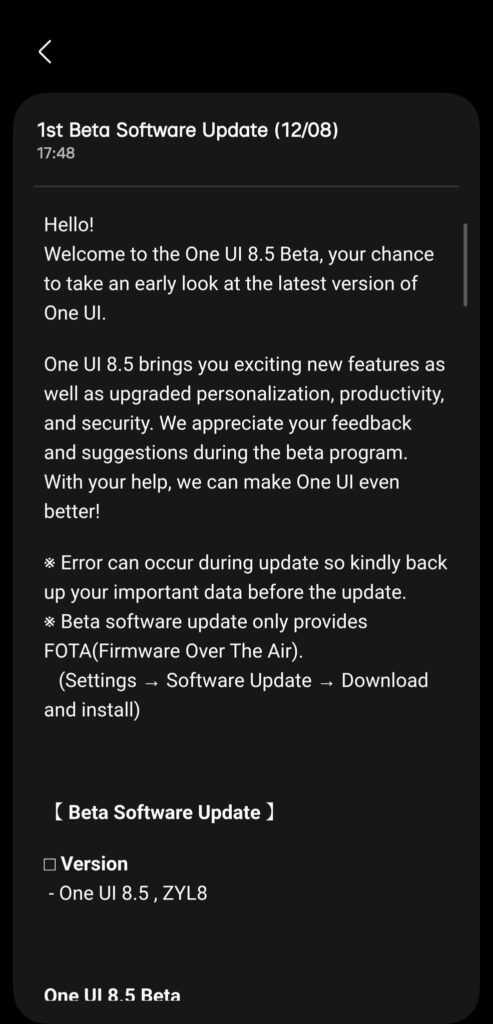
Here’s the complete One UI 8.5 Beta 1 changelog:
Galaxy AI
- Continue Image Generation
- Now you can keep working without interruption. When you use AI to create images in Photo Assist, you don’t need to save each version of your work separately. Additionally, you can check all generated images anytime through the history.
Connectivity
- Storage Sharing
- You can access files on other Samsung phones, tablets, and PCs directly from the My Files app on your phone. You can also open your phone’s files on other Samsung devices, such as TVs.
- Faster Connection to Smart View Devices
- Connect faster to the displays you use frequently. You can add a shortcut to your Home screen to immediately mirror your phone screen to a TV or other display.
- Auracast Menu Integration
- Audio broadcast settings have been unified, making it more convenient to listen to other people’s Auracast broadcasts and to start your own. Check and use all broadcast-related settings in one place.
- Broadcast with Your Voice
- In addition to sharing your phone’s media sound with people around you, you can now broadcast directly with your own voice. Use your phone’s built-in microphone to broadcast clearly.
Quick Share
- Receive Shares Only from Your Devices
- You can set up Quick Share to only allow file transfers from devices logged in with your Samsung or Google account.
- Recommended Devices for Sharing
- You can find recipients quickly. When sharing photos with family or friends, the feature recognizes the people in the photos and recommends recipients to share the files with.
Home and Lock Screen
- Automatic Lock Screen Configuration
- When using a photo of a person or pet as your wallpaper, the screen will be configured with an optimal layout. The clock and widgets on the Lock screen will be automatically placed to harmonize well with the selected background photo.
- Clock with Enhanced Customization Options
- The Lock screen clock has been improved to allow for more diverse decoration. Adjust the font weight directly to match your background image.
Weather
- Improved Weather Widget
- You can quickly check the probability of precipitation on the Home screen’s Weather widget. A graph will be displayed on the widget when there is a chance of rain within the next few hours.
- Pollen Index
- New pollen index information has been added. Check the index for trees, grass, and ragweed to effectively manage your allergies.
Clock
- Weather Alarm Background
- Start your day by checking the weather. When your alarm goes off, the background will show the current weather.
- Time Zone Conversion
- Comparing multiple time zones at once has been improved. You can intuitively check the time difference between various cities using a slider in the Clock app.
Samsung Health
- Weekly Report for Comprehensive Health
- Check your weekly changes with various data. Now, medication intake and mindfulness data are also available in the weekly report.
- Upgraded Sharing Experience
- You can add your personal touch when sharing your workout records. Utilize your photos and workout records from your exercise to create the perfect image for social media.
- Meditate with Your Watch
- You can now start meditation directly on your Galaxy Watch. Begin your favorite or recommended meditation sessions instantly from both your phone and your watch.
- Antioxidant Measurement Anytime on Watch
- The ability to measure your antioxidant index directly on your Galaxy Watch, even when it is not connected to your phone, has been improved. This feature is available on the Galaxy Watch8 and Galaxy Watch Ultra.
Security and Privacy
- Stolen Device Protection
- To protect your information more securely, turn on the failed authentication lock feature in case your phone is lost or stolen. If too many failed attempts are made to unlock the screen using a fingerprint, PIN, pattern, or password, the screen will lock automatically. Additionally, many more settings are now protected by an identity verification feature, strengthening security.
- Temporarily Disable Auto Blocker
- If you need to temporarily turn off the Auto Blocker feature, you can set it to automatically re-enable after 30 minutes. Set it to turn on automatically, even if you don’t manually re-enable it, to keep your device safe from security threats.
Battery and Power
- Improved Battery Information Screen
- The screen for checking battery usage information has been improved for efficiency. You can easily view battery level, charging status, battery protection options, and daily usage for the last week/current week all on a single screen.
- Enhanced Power Saving Mode
- Turning on Power Saving mode can extend battery life. In the Basic Power Saving mode, you can customize the items to be restricted to increase battery life, and selecting Ultra Power Saving mode maximizes available battery time by turning off non-essential functions.
Accessibility
- Easy Control of Bluetooth Hearing Aids
- You can now access Bluetooth hearing aid settings directly through the Accessibility shortcut. Quickly change various settings, such as switching hearing aid programs or toggling the Amplify ambient sound feature on/off, from the pop-up.
- Enhanced Magnification Experience with Mouse/Keyboard
- The display of the magnified area has been improved for stability when using a mouse or keyboard. When changing focus with the keyboard, the magnified area can be set to follow the cursor input or movement. When using a mouse, the magnified area can also be set to follow the pointer when it moves to the edge of the screen.
- Automatic Action After Pointer Stops/Corner Actions
- The “Automatic Action After Pointer Stops” feature has been separated into two distinct options, allowing for appropriate use depending on the situation. “Automatic Action After Pointer Stops” allows a user-defined action to be performed when the mouse remains still for a specific amount of time. “Corner Actions” allows a separate action to be set for each corner of the screen.
Other Enhanced Features
- Quick Settings Panel Editing
- Editing the Quick Settings panel is now more flexible. You can arrange each item to your desired position: adding necessary items, deleting infrequently used ones, and moving frequently used ones to the front.
- Get Reminders Quickly
- Set pre-notifications for reminders so you don’t miss important things. You can select the time you want to receive a pre-notification for each reminder.
- Partial Screen Recording
- Instead of the entire screen, you can adjust the recording area size to only include the desired region. Record only the parts you need.
- Quick Formula Input with Recommendations
- The functionality has been enhanced to make calculations faster and simpler. When you open the Calculator, it recommends numbers and formulas saved in the clipboard for immediate input.
- Save Window Size and Position in DeX
- The window size and position for each app are now saved. The next time you open the same app in DeX, it will open at the same location and with the same size as it was last used.
Related: List of Galaxy devices eligible for One UI 8.5 upgrade
Available now for Galaxy S25 series users
If you’re in South Korea or Germany and using a Galaxy S25, S25+, or S25 Ultra, you can join the beta right now through the Samsung Members app. After enrolling, just go to Settings > Software update > Download and install to fetch the update.
Samsung is expected to bring the beta to the US, UK, India, and Poland soon, expanding availability in phases — similar to previous One UI beta rollouts.
With such a feature-packed first build, One UI 8.5 is shaping up to be a meaningful upgrade ahead of its stable release alongside the Galaxy S26 series early next year.