

Samsung has officially kicked off the Android 16–based One UI 8.5 beta program for the Galaxy S25 lineup, giving early adopters a chance to experience the next big software upgrade before its public release. The beta is currently live in the US, South Korea, and Germany, with more countries to join soon. As always, spots in the beta program are limited, so those interested should register as soon as possible.
The One UI 8.5 beta program is available for the Galaxy S25, Galaxy S25+, and Galaxy S25 Ultra. The Galaxy S25 FE and Galaxy S25 Edge are not part of the beta at this stage, aligning with Samsung’s usual approach of limiting early testing to the main flagship trio.
How to sign up for the One UI 8.5 beta program
- Open the Samsung Members app on your Galaxy S25 series device.
- You should see a banner for the One UI 8.5 Beta Program if it’s available in your region.
- Tap the banner, read the terms and conditions, and follow the on-screen instructions to enroll.
- Make sure you are signed in with your Samsung account, as this is required to join the program.
- Complete your registration for the beta program.
Once you’re enrolled, Samsung will prepare the update for your device.
How to download and install the One UI 8.5 beta update
After completing registration, you can install the beta with these simple steps:
- You should receive an update notification on your Galaxy phone. Or you can manually check for updates as mentioned in step 2.
- Go to Settings > Software update > Download and install.
- Tap on the update and download it.
- Once the download is complete, tap the Install now button.
Please note that beta software can be unstable, so you should back up your data before installing the update to avoid potential data loss.
Related:
1. One UI 8.5 beta program goes live: Here are all the details
2. One UI 8.5 Beta 1 update: Here’s the complete list of changes
What’s new in One UI 8.5?
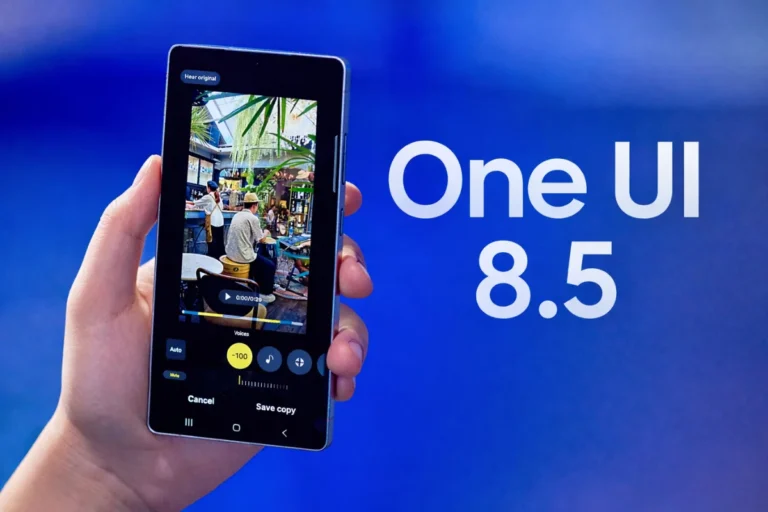
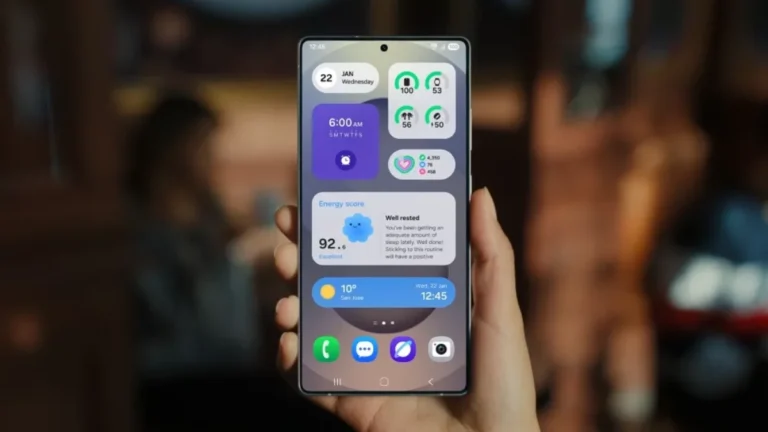
The One UI 8.5 beta introduces a host of meaningful upgrades across the system. Samsung has refined Galaxy AI, making image generation smoother and allowing users to continue creating without needing to save every intermediate step.
Quick Share is also smarter, now offering more intuitive sharing suggestions based on recognized faces and allowing users to restrict incoming transfers to trusted devices. One UI 8.5 also focuses on personalization, as the lock screen adapts more intelligently to photos featuring people and pets, automatically arranging the clock and widgets in a way that blends with the background. The clock customization tools have also been expanded with finer control over stylistic details like font weight.
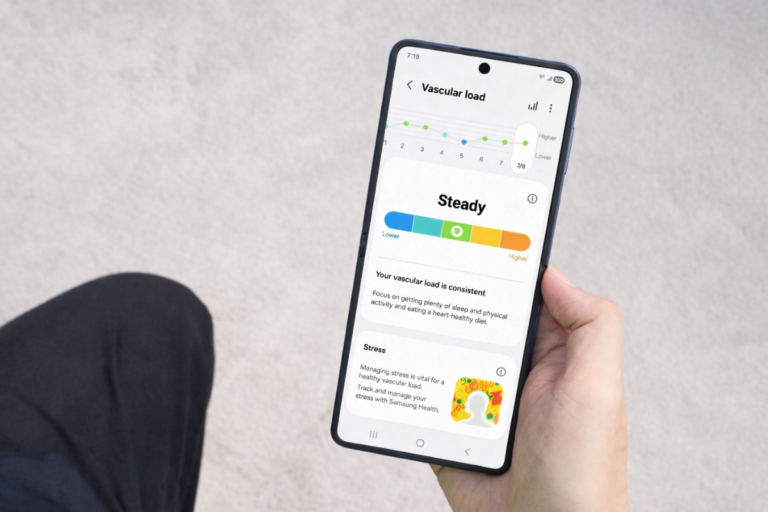
The Weather app and its widgets receive design refinements, such as precipitation probability graphs and more detailed environmental insights. Health-focused users get richer weekly summaries from Samsung Health, including additional data points and new sharing options for workout records. Meditation sessions can now start directly from a Galaxy Watch for added convenience.
Security and privacy protections are also stronger in One UI 8.5. Samsung has added a safeguard that locks the phone after repeated failed unlock attempts, reducing the risk of unauthorized access if the device is lost or stolen. Auto Blocker can now be disabled temporarily and automatically re-enabled to ensure long-term protection.
Battery management has been reorganized with a more informative and easier-to-understand battery usage screen. The update also includes improvements to accessibility features and stock applications. You can check the complete changelog for a detailed look at the changes.


one ui update is best update