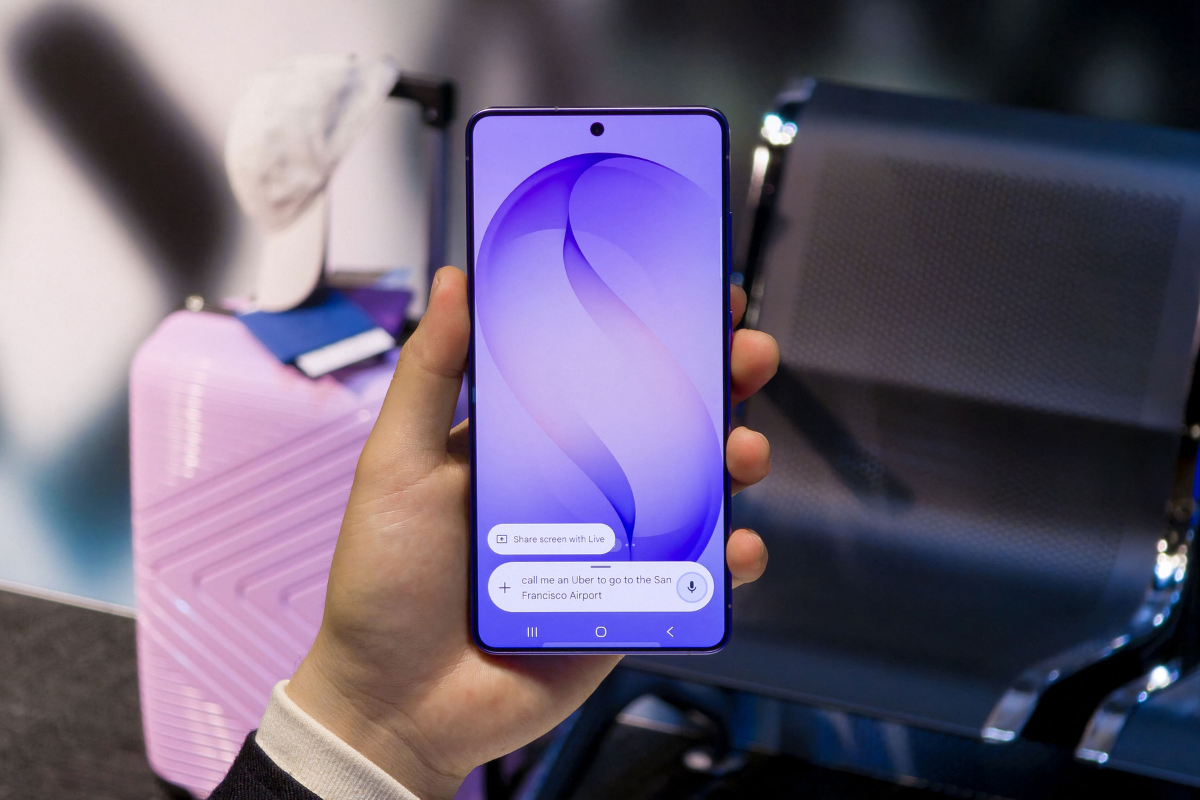
Samsung’s first software update for the Galaxy S26 series is already live in several markets, and while the official changelog keeps things straightforward, there’s more to this update than just security fixes. Buried inside is a new Inactivity Restart feature that Samsung has been rolling out to its broader device lineup with the February 2026 security patch.
The feature does exactly what it sounds like. If your Galaxy S26, S26+, or S26 Ultra sits locked and untouched for 72 hours, it will automatically restart itself. Once it does, the device reverts to a state where only your passcode or biometric authentication can unlock it. It’s enabled by default, so there’s nothing you need to do to activate it.
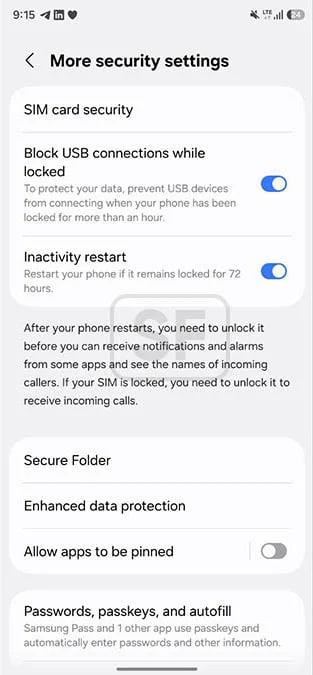
The idea behind it is straightforward enough: if your phone gets lost or stolen, this ensures it doesn’t stay in a partially unlocked state indefinitely. Forcing a restart after 72 hours of inactivity pushes the device back into its most secure state, adding a meaningful layer of protection for personal data. Samsung introduced this across other Galaxy devices with the February 2026 update, and the S26 lineup is now getting it as part of its first post-launch patch.
Beyond Inactivity Restart, the update covers the February 2026 security patch, which addresses over 30 vulnerabilities and focuses on general stability and reliability improvements. The firmware build ends in AZC7, and download sizes vary depending on your region and model, though most users should see something around 500MB.
To check if the update is available for your device, head to Settings > Software update > Download and install. One thing worth noting: the Galaxy S26 series supports Seamless Updates, which means you don’t have to watch a progress bar while the update installs. The phone handles everything in the background, and when it’s ready, it simply asks you to restart. The whole thing wraps up in seconds.