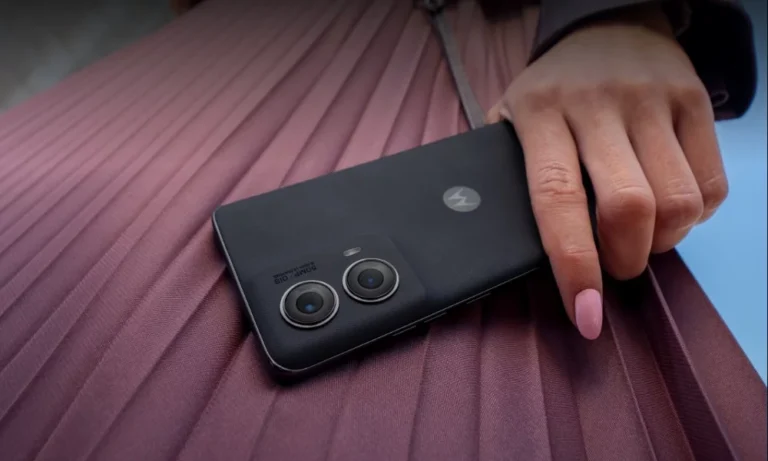
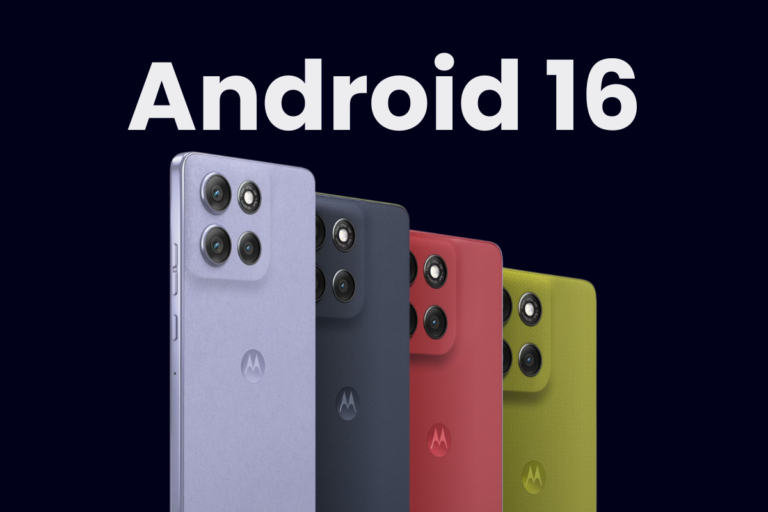
Motorola has kicked off the Android 15 rollout for two of its budget-friendly models — the Moto G84 and Moto G 5G 2024. Both devices are now receiving the new software update, but in different regions and at slightly different stages.
Android 15 is rolling out to Moto G84 users in Europe
The Moto G84, which launched with Android 13, is now getting its second major OS upgrade in the form of Android 15. The update is currently rolling out in several European countries, including the UK, Italy, Romania, Poland, and Croatia. More markets should follow in the coming weeks.
The update arrives with build number V1TC35H.88-16 and weighs a hefty 2.36GB, so make sure you’re on a stable Wi-Fi connection before downloading.
Moto G 5G 2024 gets its first major OS upgrade in the US
The Moto G 5G 2024 is also receiving the Android 15 update. This is the first major OS upgrade for the device, which debuted earlier this year with Android 14 out of the box.
The update is rolling out in phases, with users on Metro by T-Mobile in the US being the first to get it. According to reports on Reddit, the update hasn’t caused any major issues so far.
As for what’s new, Android 15 brings a refreshed UI experience with lock screen customization options, an updated quick panel, Gen AI emojis, new emoji stickers, and improved connectivity. The update also includes stability improvements and under-the-hood optimizations.
If you own a Moto G84 or Moto G 5G (2024) and live in a supported region, the update might be available for your device. You can check it manually by going to Settings > System updates > Check for system updates. As always, it’s best to back up your data and charge your phone to at least 50% before installing.
Motorola tends to roll out updates in batches, so don’t worry if it’s not yet available on your phone. These things take time, but both the Moto G84 and Moto G 5G 2024 should receive the Android 15 update in more regions soon.
As always, take a full backup and ensure your phone is adequately charged before installing the update. And if you’re unsure whether to update right away, keep an eye on community forums for early impressions.