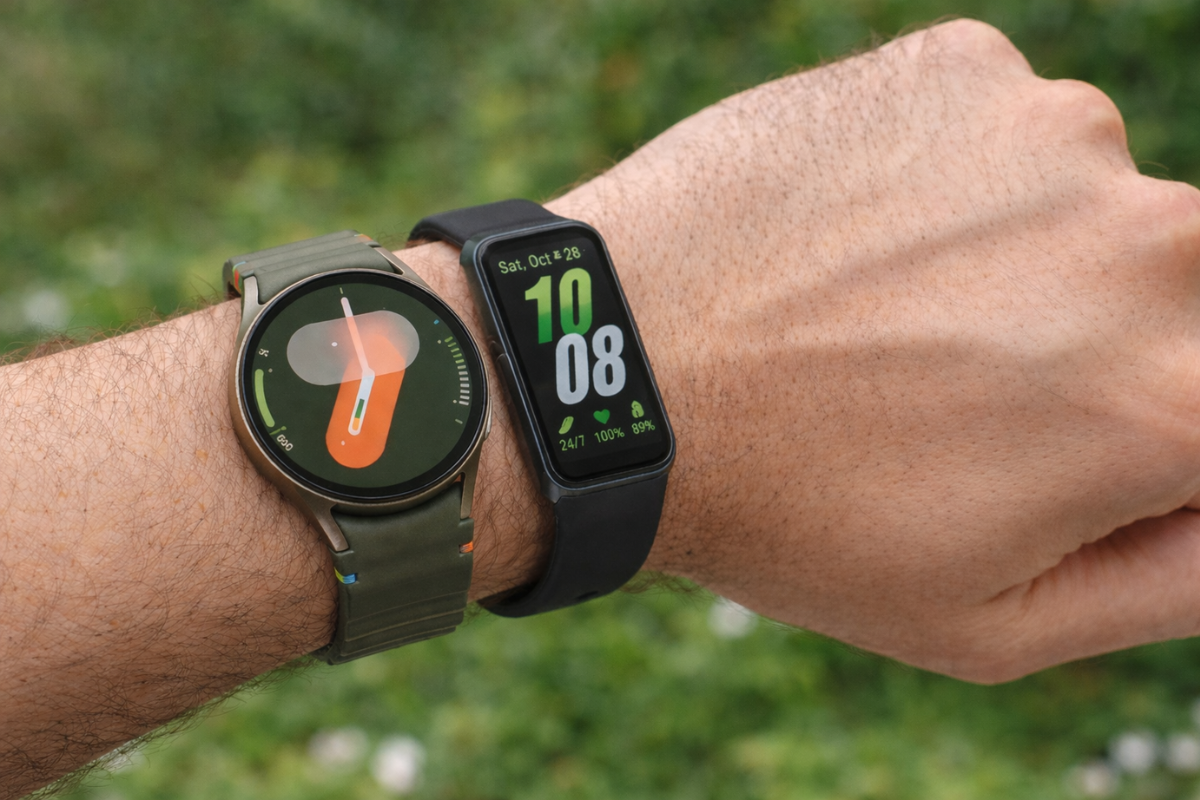
Samsung’s wearable lineup is getting some attention this week. Both the Galaxy Watch 7 and the Galaxy Fit 3 are receiving fresh software updates, and both are now rolling out to users across multiple regions worldwide.
Galaxy Watch 7 gets the February 2026 security patch
The bigger of the two updates belongs to the Galaxy Watch 7. Samsung first pushed it out in South Korea a couple of days ago, and it’s now reaching other markets, including India. The update weighs in at 394.29MB and carries firmware version L315FXXU3BZB4.
The February 2026 security patch includes 25 fixes from Google while Samsung contributes 12 fixes of its own, covering areas like Emergency Sharing, Knox Guard Manager, Samsung Dialer, the Settings app, facial and fingerprint authentication, and the PACM module.
Beyond security, the changelog mentions general improvements to device behaviour, though Samsung hasn’t gone into specifics about what exactly feels different after the update.
To grab the update, open the Galaxy Wearable app, head to Watch settings > Watch software update, and tap Download and install.
Galaxy Fit 3 is also getting a global refresh
While the Watch 7 update is the meatier one, the Galaxy Fit 3 is also seeing some love. Samsung originally pushed this update out in South Korea earlier this year, and it’s now live in several regions across Africa, Asia, Australia, Europe, Latin America, and North America. The firmware version is R390XXU0AZA3, and at just 17.42MB, it’s a quick download.
The changelog keeps things vague, pointing to improvements in performance, reliability, and stability without spelling out exactly what’s changed. It’s a maintenance update rather than a feature drop, which is pretty typical for the Fit 3.
Since its 2024 launch, Samsung has consistently pushed a couple of updates per year for the band, though new features have been rare. The one notable exception came in late 2024, when the device received a new Tile, a music list display option, and a low battery vibration alert.
To check for the update, open the Galaxy Wearable app, go to Band settings > Band software update, and tap Download and install. Make sure your Fit 3 has at least 50% battery before starting.