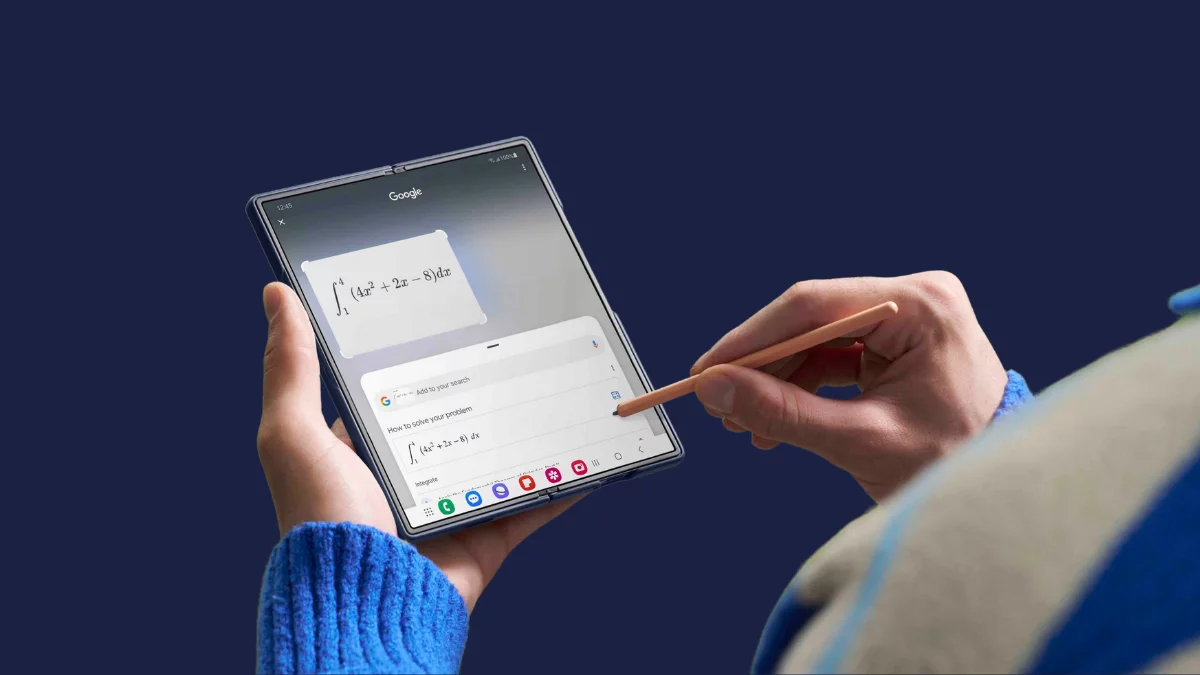
Right after the Galaxy S24 series got its taste of Android 16, Samsung has now opened the One UI 8 beta program for its latest foldables: the Galaxy Z Fold 6 and Galaxy Z Flip 6. The update is now rolling out in South Korea, with India, the UK, and the US next in line. If you’re rocking Samsung’s newest foldables, the beta train is finally here—and it’s packed with fresh features and slick new tricks.
The beta build lets users try out Samsung’s latest software before it is released for the public. It also helps the brand fine-tune the software before a wider release. The One UI 8 beta update for the Galaxy Z Fold 6 and Galaxy Z Flip 6 is tagged with the firmware version ZYH4.
How to get One UI 8 beta on Galaxy Z Fold 6 and Flip 6?
If you have a Galaxy Z Fold 6 or Galaxy Z Flip 6 and live in a supported country, here’s how to sign up for the beta:
- Open the Samsung Members app on your device.
- Tap the One UI 8 Beta Program banner on the homepage.
- Complete the registration process.
- Once done, go to Settings > Software update > Download and install.
- Download and install the beta update.
The update is around 3.2GB in size, so make sure your device has enough storage and battery before starting.
What’s new in One UI 8 beta?
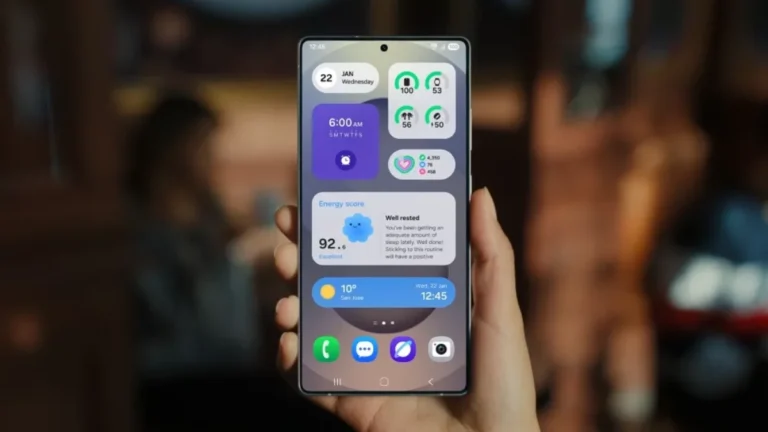
One UI 8 brings several meaningful upgrades to Samsung’s software. At its core, the update focuses on better multitasking, deeper personalization, and smarter app experiences.
There’s a revamped split-screen mode with more flexible resizing, upgraded Samsung DeX options, and a refreshed Quick Share layout that improves file sharing. Users also get dynamic wallpapers that shift based on the time of day and new routines like Morning briefing and Cold weather alerts.
Apps like Gallery, My Files, and Calendar have been redesigned with smarter features and better visuals, while Secure Folder gains more privacy options, including fingerprint-specific access and the ability to completely hide it from view.
Overall, One UI 8 is shaping up to be a polished, performance-driven update that brings small but thoughtful changes throughout the user experience.
Also Read:
1. One UI 8 update: here’s everything you need to know
2. One UI 8 will be the last major upgrade for these Samsung devices
3. Samsung wants One UI updates to arrive as fast as Google’s Android releases