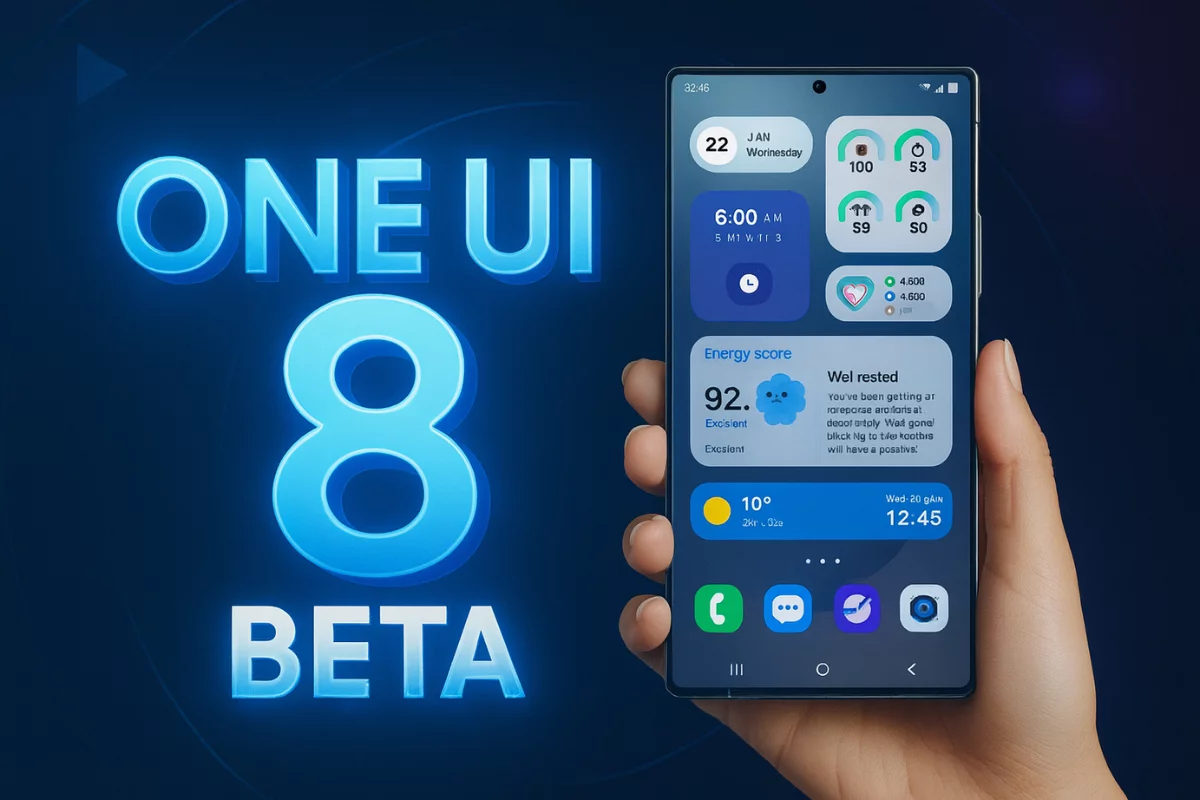
Samsung is continuing the One UI 8 beta rollout at full speed. After releasing a new beta update for the Galaxy S25 series, Galaxy Z Fold 6, and Galaxy Z Flip 6 earlier today, the Galaxy S24 series is now receiving the One UI 8 Beta 2 update — and it brings a major Galaxy AI feature that was previously exclusive to newer models.
Now Brief comes to Galaxy S24
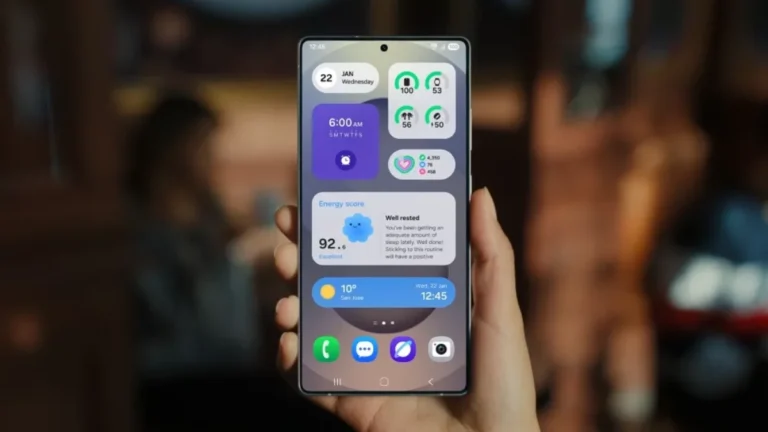
With this latest update, Samsung has introduced the Now Brief feature from the Galaxy S25 to the Galaxy S24, S24+, and S24 Ultra. This AI-powered tool delivers personalized content throughout your day — think calendar reminders, health stats, weather alerts, and curated media suggestions from Spotify, YouTube, and more — all in one glance.
The update also addresses several bugs and improves overall stability. It brings the September 2025 security patch, which enhances the system’s security posture and ensures better protection from vulnerabilities.
The One UI 8 Beta 2 update is now available in India, South Korea, and the UK, with the US rollout expected shortly. It comes with firmware version ZYHB and has a download size of around 930MB.

Related: Samsung confirms One UI 8 stable rollout is on track — no delays
What’s new in One UI 8 Beta 2
Samsung has tackled several issues in this beta update. It fixes overlapping fingerprint and charging icons on the lock screen, a bug where only icons appear when receiving notifications, and font-related glitches. The update also addresses problems with widgets, keyboard suggestions, and lock screen time display.
Here’s the complete changelog:
- Applied September 2025 security patch
- Fixed lock screen fingerprint + charging overlap issue
- Fixed issue where only icons appeared on the lock screen when receiving notifications
- Fixed logo cutting in Naver Sports Top Now bar
- Fixed keyboard phrase suggestion toggle resetting on reboot
- Fixed default font errors when changing fonts
- Fixed screen freeze and lock screen issue while using certain apps
- Fixed clock widget time display error
If you’re enrolled in the One UI 8 Beta Program, you can install the new update by going to Settings > Software update > Download and install.