

Samsung just gave Galaxy S23 users something to be excited about — the first One UI 8 beta update is officially live. After weeks of waiting, the company has finally opened the beta program for the Galaxy S23, S23+, and S23 Ultra, giving users an early taste of Android 16 and the latest One UI features — most important, it has arrived as promised.
Galaxy S23 series joins the One UI 8 beta
The One UI 8 beta program for the Galaxy S23, S23+, and S23 Ultra is currently open for users in India and South Korea. Samsung is expected to expand availability to more eligible markets soon, including the US and the UK. The update is rolling out with firmware version ZYHB and weighs in at approximately 3.1GB. It also includes the September 2025 security patch.
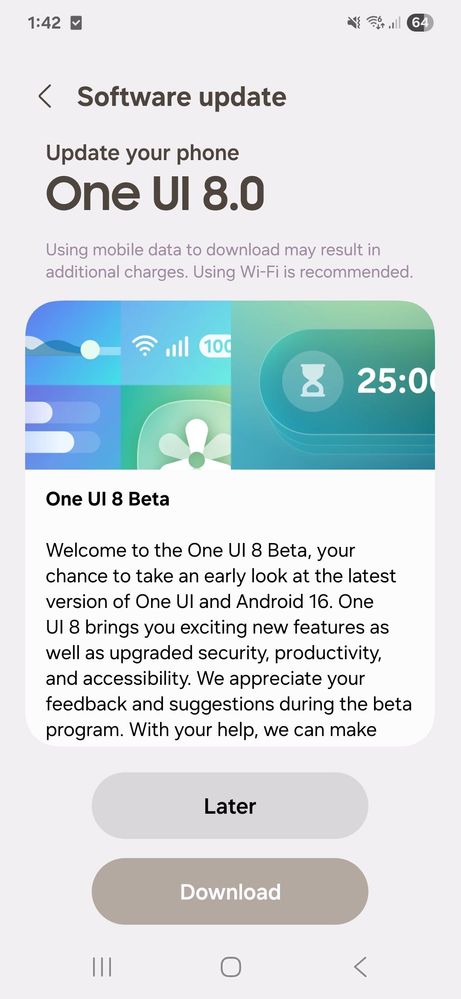
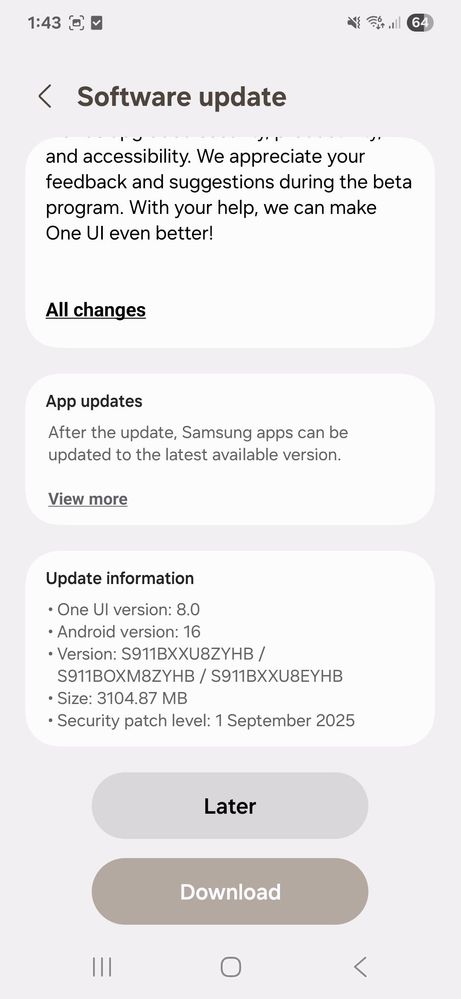
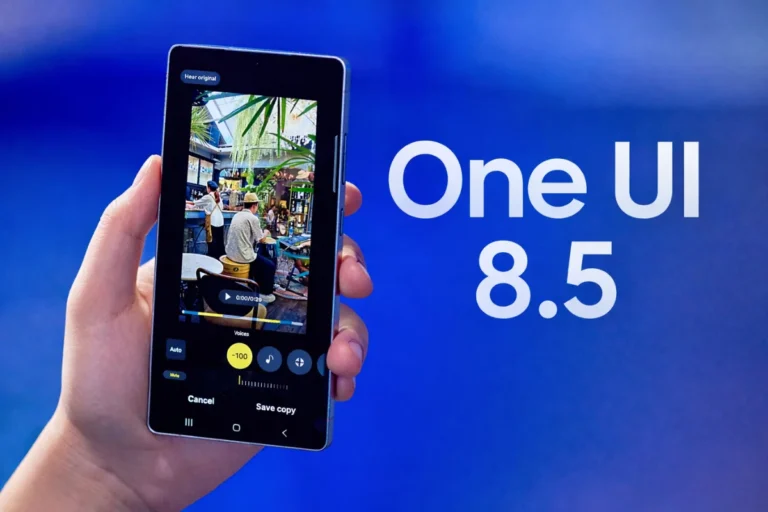
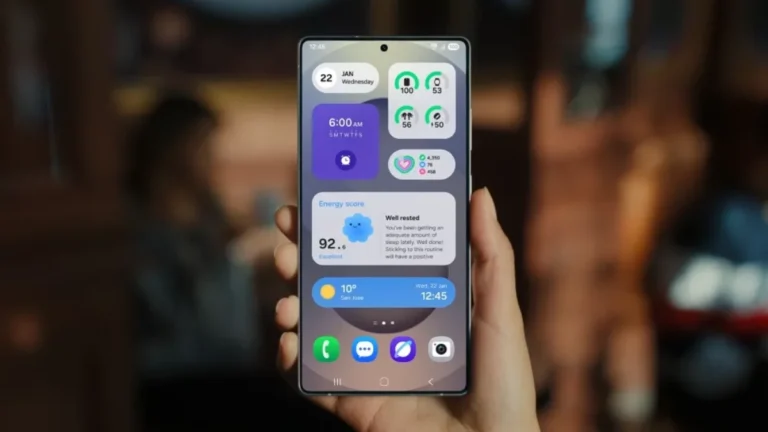
This new software is based on Android 16 and brings several enhancements across the system. One of the highlights is the redesigned Quick Share interface, which now uses a full-screen layout and is more intuitive to navigate. Samsung has also improved AI Select and added a refreshed Samsung DeX experience with screen rotation options.
The Samsung Internet browser gets a new look, while apps like Calendar, Reminders, and Weather have been improved as well. There’s also a more secure version of Secure Folder, adding another layer of privacy for sensitive content.
Related:
1. Here’s when Samsung will start rolling out stable One UI 8 update
2. Samsung makes major changes to One UI rollout strategy
How to get One UI 8 beta on your Galaxy S23
If the One UI 8 beta update is available for your model in your region, follow these steps to get an early taste:
- Install the Samsung Members app from the Galaxy Store or Google Play Store. (If it’s already there, make sure it’s updated)
- Log in using the same Samsung Account that’s signed in on your Galaxy S23 device.
- Tap on the One UI 8 Beta Program banner within the app and follow the instructions to register.
Once you’ve enrolled, go to Settings > Software update > Download and install. After the update finishes downloading, tap Install now. Your phone will reboot, and you’ll be ready to explore the beta version of Android 16 with One UI 8.



Mere s23 me update nehi ata he