

[Update: The Galaxy A36 also gets access to One UI 8 beta program. It’s currently live in India, but other regions, including the US, the UK, and Korea, should get it very soon. The update has a download size of around 2.1GB and is tagged with the firmware version ZYHD.]
[Original story]
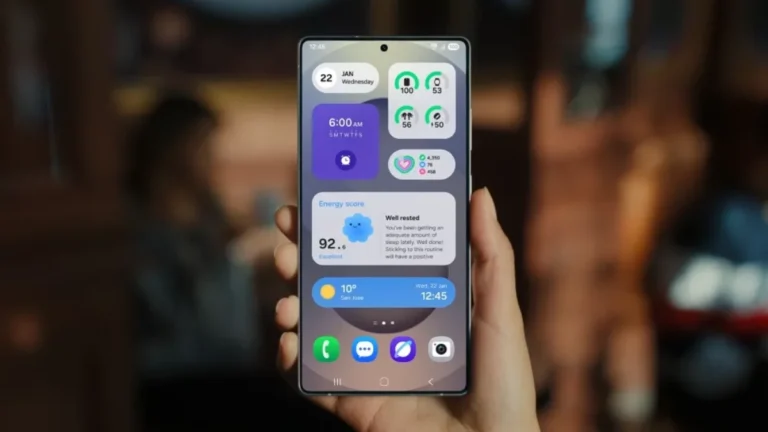
Samsung is keeping up its momentum with the Android 16-based One UI 8 beta rollout. After bringing the beta update to its flagship Galaxy S and Z series phones, the company has now opened up the program for more mid-range devices — namely, the Galaxy A55, Galaxy A54, and Galaxy A35. This marks a faster beta expansion than usual, reflecting Samsung’s goal of speeding up major software releases.
One UI 8 beta now available for A-series phones
The One UI 8.0 beta program is now live for the Galaxy A55, A54, and A35. All three devices are receiving the update in India, and it should expand to other eligible regions — such as the UK, South Korea, and the US — in the coming weeks. These beta updates are based on Android 16 and come with several new and improved features, along with the September 2025 security patch. They weigh in at around 1.9GB.

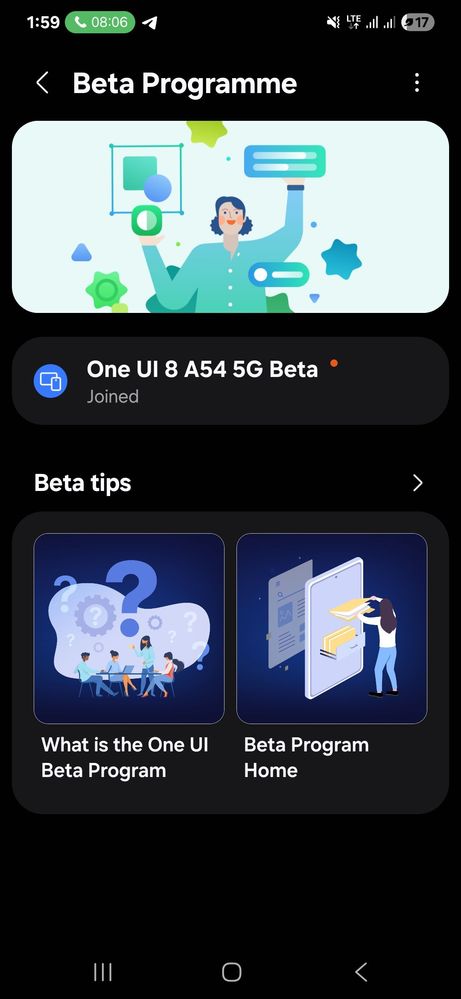

Here are the firmware version:
- Galaxy A55: A556EXXUAZYH6
- Galaxy A54: A546EXXUFZYH6
- Galaxy A35: A356EXXU5ZYH6
While it’s exciting to test Android 16 early, users should keep in mind that beta software is not final. These builds may contain bugs or stability issues, so it’s best to avoid installing them on your primary phone.
How to join the One UI 8 beta program
If you own a Galaxy A55, A54, or A35 and want to try out One UI 8 early, here’s how to get started:
- Install the Samsung Members app from the Galaxy Store or Google Play Store.
- Log in using the same Samsung Account that’s already set up on your phone.
- Look for the One UI 8 beta banner in the app and tap on it.
- Follow the on-screen instructions to enroll your device.
Once enrolled, head over to Settings > Software update > Download and install to check for the beta update. After downloading, tap Install now, and your phone will reboot into the beta software.



i have already update one ui 8 beta….