After updating most mid-range and flagship devices to One UI 8, the company has now turned its attention to the Galaxy F series. The Galaxy F56, Galaxy F54, and Galaxy F34 are the latest smartphones to receive the stable One UI 8 update.
Galaxy F56, F54, and F34 joins One UI 8 update party
All three devices are currently receiving the update in India, bringing Android 16 along with Samsung’s latest software improvements and design refinements. The firmware versions for each device are as follows:
- Galaxy F56: E566BXXU3BYI6
- Galaxy F54: E546BXXU9EYI4
- Galaxy F34: E346BXXU8EYI8
The update weighs between 2GB and 3GB, depending on the model, and also includes the September 2025 security patch, besides the latest upgrades and new features from One UI 8.0. (more on that later)
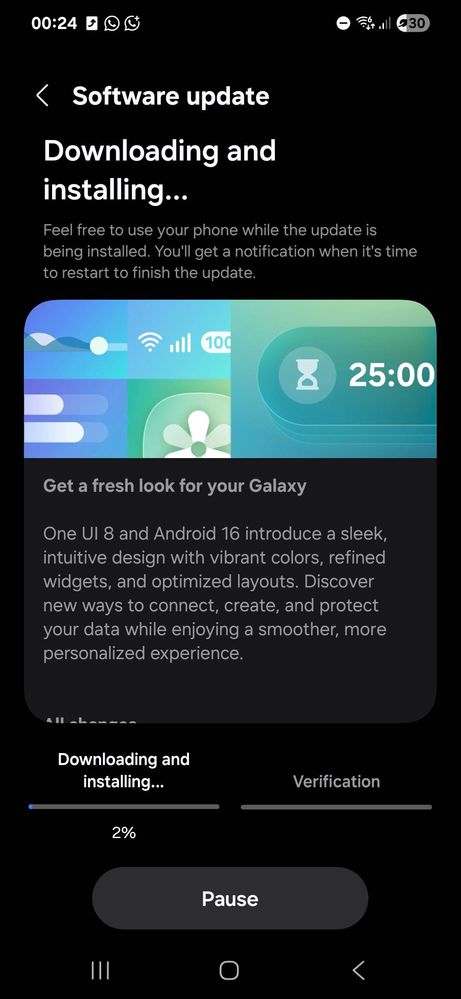
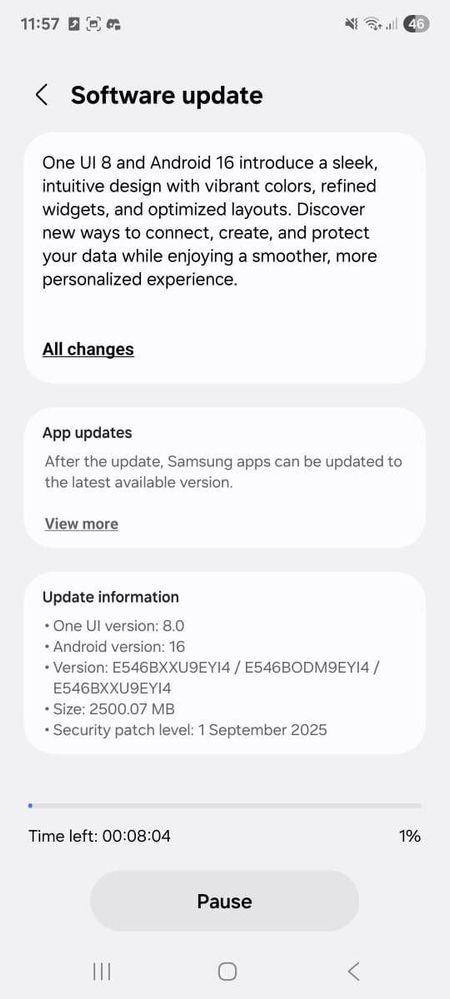
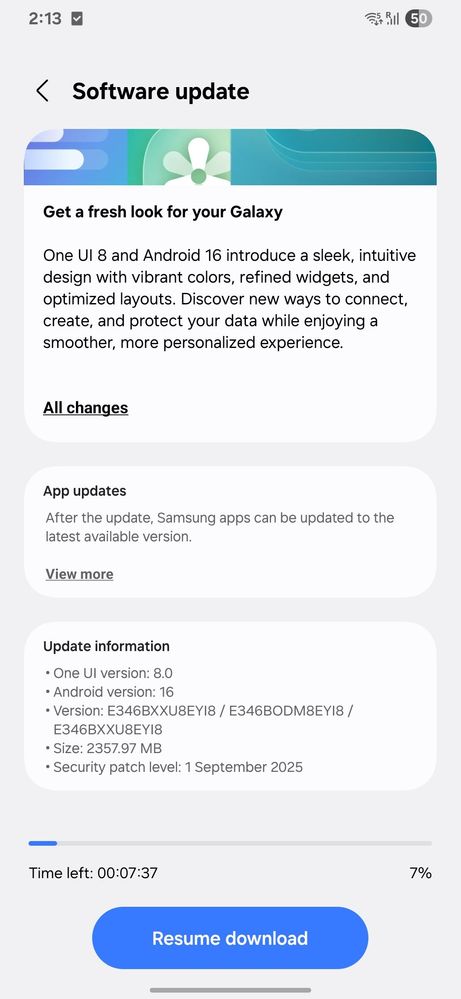
To see if the update is available on your phone, head to Settings > Software update > Download and install. If the OTA hasn’t appeared yet, try again later today or over the next few days as Samsung expands the rollout to more users.
What’s new with One UI 8?
The One UI 8.0 update introduces a blend of fresh design elements and smarter features. Quick Share now gets a redesigned, full-screen layout with dedicated tabs for sending and receiving files, while the Now Bar can display live stock updates. The Samsung Notes app gains new Sticky Notes support, and the My Files app makes it easier to locate downloaded content.
The Samsung Internet browser has been revamped with a cleaner, more customizable menu, and the Calculator app now supports a Scientific mode in portrait orientation. Split-screen multitasking is smarter than ever — when you push the divider up or down, one app expands to occupy 90% of the display while the other stays minimized in the remaining space.
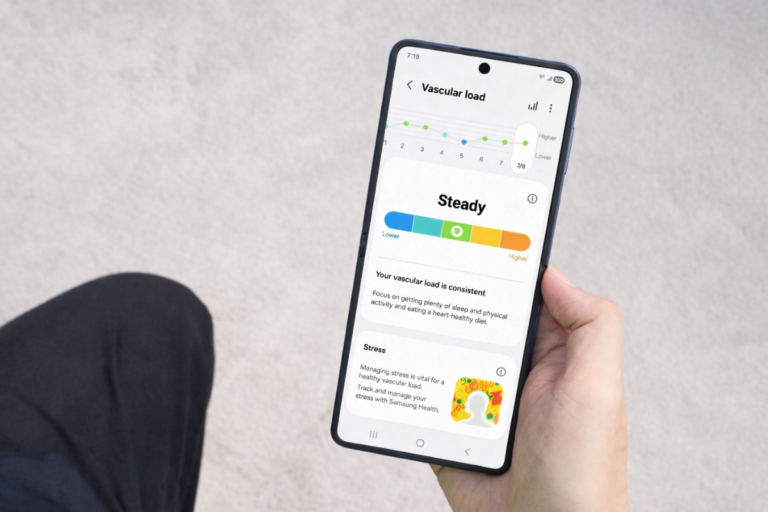
Core apps such as Calendar, Clock, and Reminders get new management options and voice-assisted event creation. Samsung Health brings new features like Antioxidant Index, Bedtime Guidance, Food Logging Reminders, Running Coach, and Vascular Load tracking.
On the security front, Secure Folder is now powered by Google’s Private Space, while Knox Matrix enhances overall device protection. Users can also choose to hide notification contents on the lock screen for added privacy.