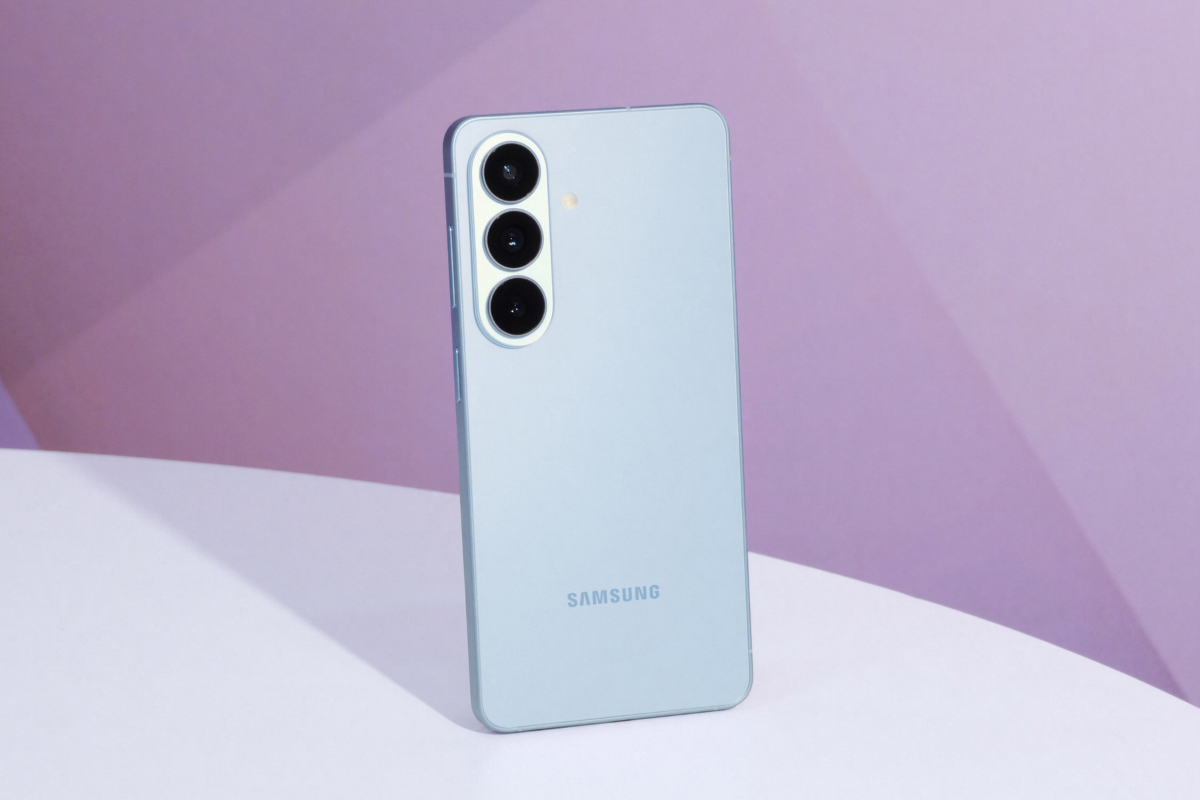
Samsung launched the Galaxy S26 series on Wednesday, and if you’re considering picking one up but don’t want to make a trip to a store, the brand has a way to let you check it out from wherever you are.
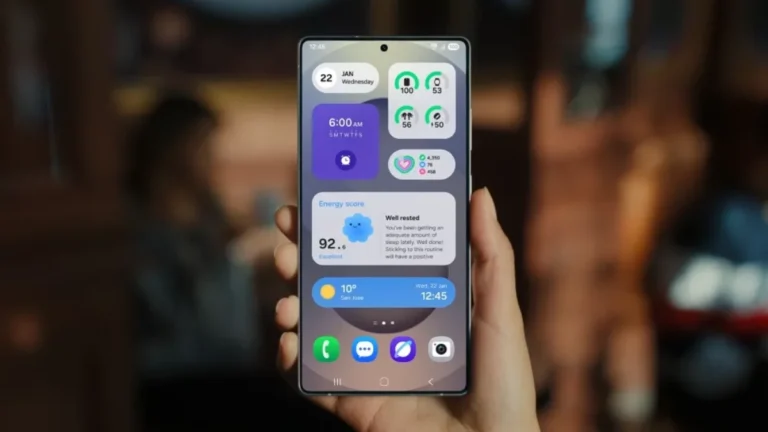
Try Galaxy is a web-based tool that brings the Galaxy S26 Ultra experience to your existing phone, whether you’re on Android or iPhone. Head to Samsung’s Try Galaxy website, tap the “Try now!” button, and follow the steps to add it to your home screen. Once you open it, you’re greeted with the Galaxy S26’s home screen and can start poking around.
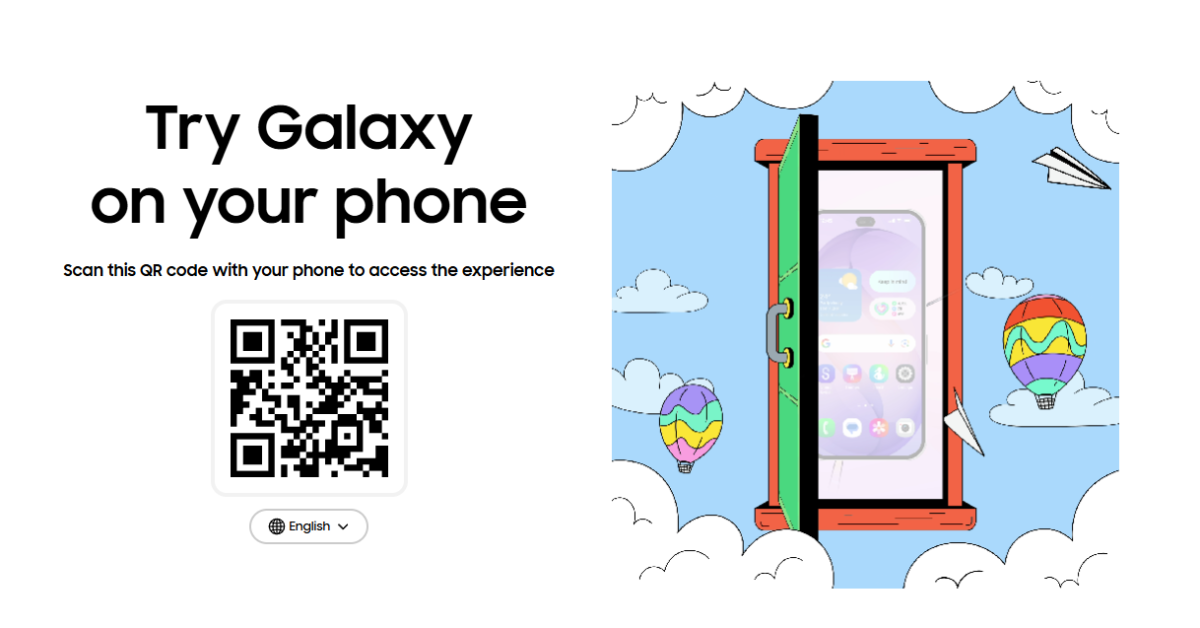
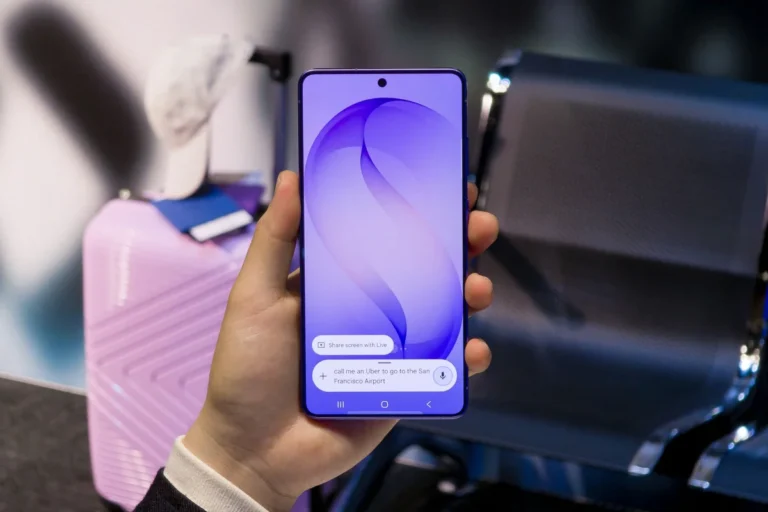
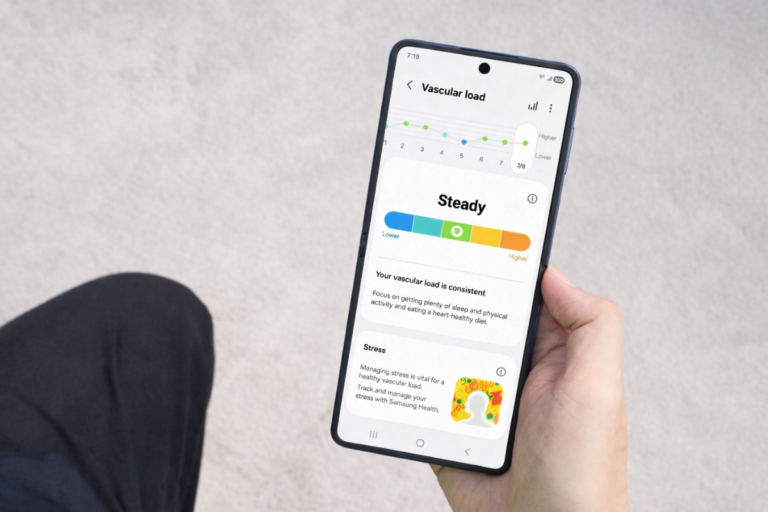
The experience lets you swipe through the home screen, pull down the notifications and quick settings panels, browse the app drawer, and dig into Settings. It’s not a full replica of the software, so don’t expect everything to be functional. Samsung’s focus here is on showcasing the highlights, mainly Privacy Display and Galaxy AI, which are among the more talked-about features of the S26 lineup.
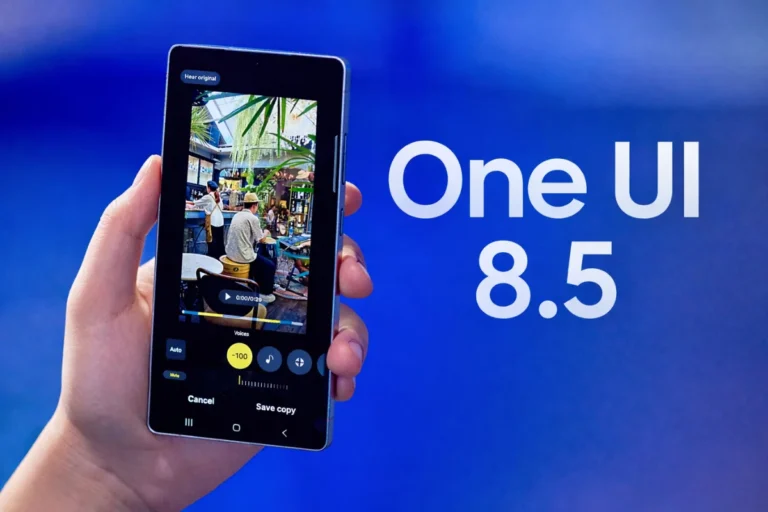
It’s a useful option for anyone sitting on the fence. Actually interacting with the interface, even in a limited capacity, gives a better sense of the software than watching a product video. For Galaxy users especially, One UI 8.5 running on the S26 series will feel familiar in places, but there are enough new additions to make the hands-on preview worth a few minutes of your time.
The Galaxy S26 series includes the standard S26, S26+, and S26 Ultra. Samsung is currently accepting pre-orders, and going that route comes with some extra benefits. We’ll keep you updated on the S26 rollout and any new developments. Stay tuned to our Samsung section for the latest.