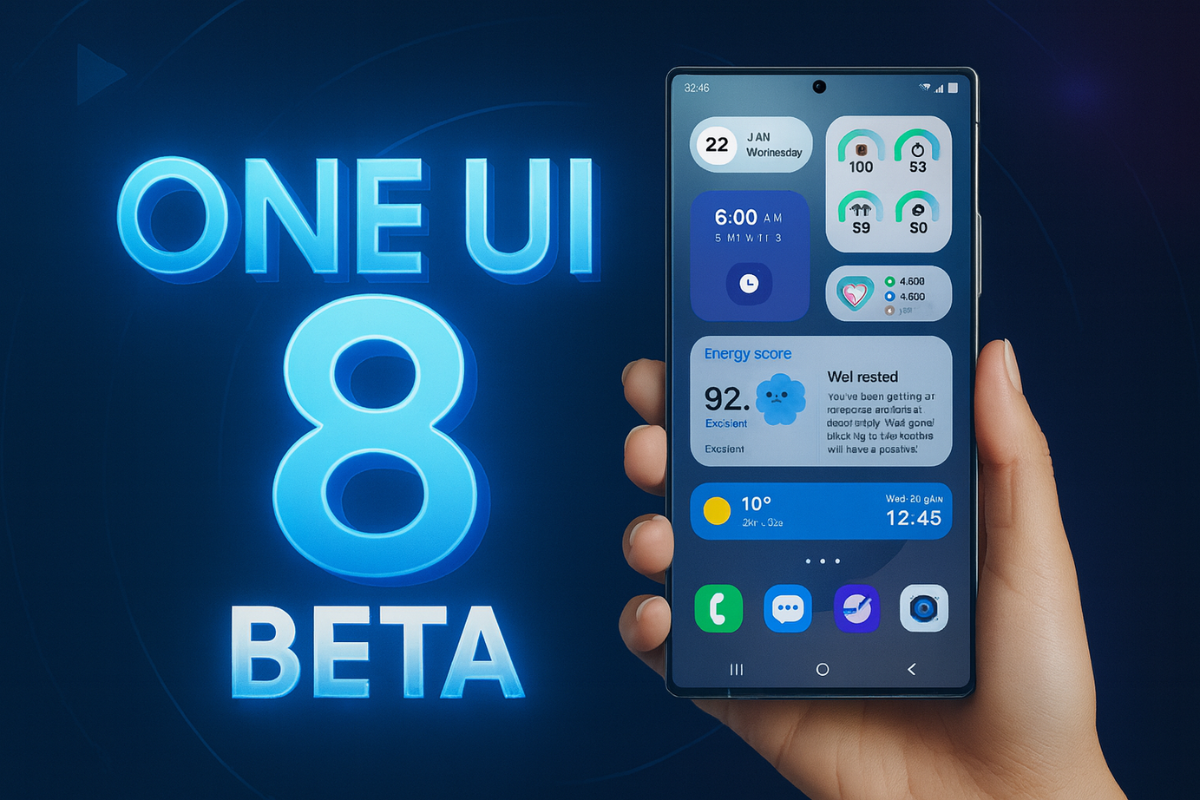
Samsung is picking up the pace with its One UI 8 rollout, and if you’ve been waiting to test-drive the latest Android 16-based software, now’s your chance. The company has officially expanded the One UI 8 beta program to several more devices in the Galaxy S and Galaxy Z lineup, giving users early access to new features and system upgrades.
Here’s everything you need to know about the latest beta rollout — including the eligible devices, supported regions, and how to enroll.
Galaxy devices eligible for One UI 8 beta program
Samsung kicked off the One UI 8 beta program in late May with the Galaxy S25 series (excluding the S25 Edge). Now, it’s ready to bring more phones into the testing pool.
The new expansion includes several 2023 and 2024 flagships as well as several mid-range phones. Here’s the full list of devices eligible for the One UI 8 beta program:
- Galaxy S24
- Galaxy S24+
- Galaxy S24 Ultra
- Galaxy S23
- Galaxy S23+
- Galaxy S23 Ultra
- Galaxy Z Flip 6
- Galaxy Z Fold 6
- Galaxy Z Flip 5
- Galaxy Z Fold 5
- Galaxy A55 5G
- Galaxy A54
- Galaxy A36 5G
- Galaxy A35 5G
The fan-editions models, such as Galaxy S23 FE and Galaxy S24 FE, don’t get beta updates, but they usually get faster updates when the stable rollout kicks in.
Related:
1. Samsung’s new One UI rollout plan changes everything
2. One UI 8 will be the last major upgrade for these Samsung devices
Supported countries for the beta program
The One UI 8 beta is currently available in the following regions:
- India
- South Korea
- United States
- United Kingdom
More countries may be added down the line, but for now, only users in these regions can join the beta program.
Steps to join the One UI 8 beta program
If you own an eligible device and live in one of the supported regions, here’s how you can sign up for the beta:
- Install the Samsung Members app from the Galaxy Store or Play Store.
- Log in using your Samsung account tied to the eligible device.
- On the app’s home screen, look for the One UI 8 beta banner and tap it.
- Follow the on-screen steps to register your device for the beta.
- Once enrolled, head to Settings > Software update > Download and install.
- Download the update, install it, and wait for your phone to reboot.
Note that beta updates can be buggy or unstable, so it’s best to avoid installing them on your primary device. Also, rolling back to the stable version of One UI 7 requires a full reset — keep that in mind before signing up.
With this expansion, Samsung is letting more users experience the future of One UI ahead of the official stable release. If you’ve got one of the supported models and enjoy being on the cutting edge, the wait is about to pay off.
Also read:
1. Samsung wants One UI updates to arrive as fast as Google’s Android releases
2. Samsung One UI 8 update: here’s everything you need to know