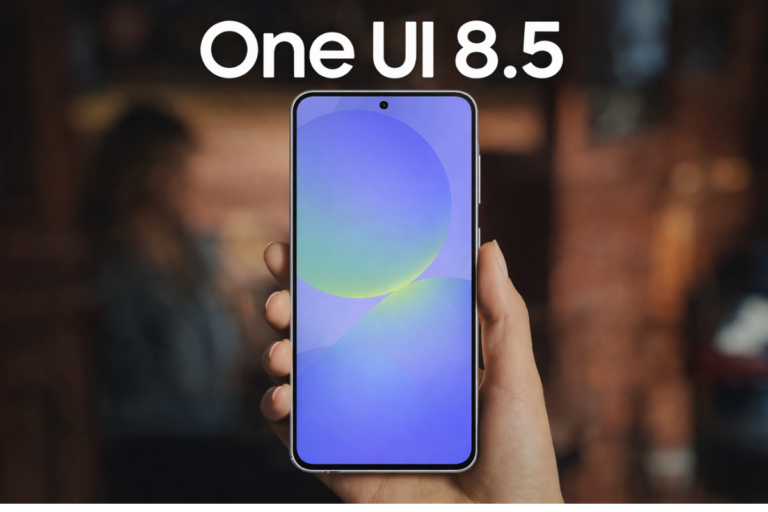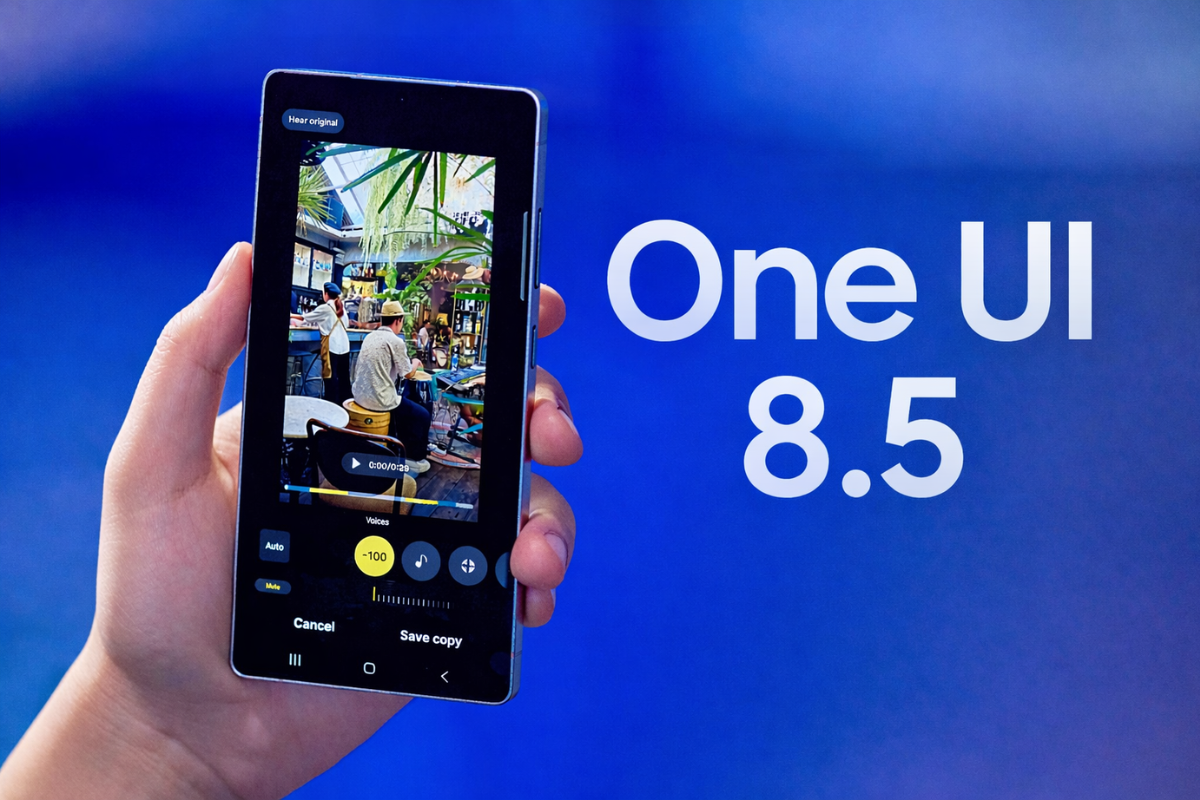
One UI 8.5 is shaping up to be a major upgrade, packed with a host of new features, visual redesigns, and exciting upgrades that enhance everything from customization and security to your device’s aesthetic appeal. Here’s everything you need to about it, such as the release date, eligible devices, and major upgrades.
When will Samsung roll out One UI 8.5 update?
Samsung has not officially announced the rollout schedule for the One UI 8.5 update. However, the timeline is fairly predictable based on the company’s past patterns. The stable version of One UI 8.5 is expected to debut alongside the Galaxy S26 series.
While Samsung hasn’t confirmed the S26 launch date, reliable leaks point to an unveiling in February. Shortly after the S26 series release, the update should begin rolling out to older devices. Recent flagships like the Galaxy S25 series, Galaxy Z Fold 7, and Galaxy Z Flip 7 will likely be among the first in line to receive the update. Following that, the rollout will gradually expand to other eligible phones and tablets over the subsequent weeks and months.
The current One UI 8.5 beta program is exclusive to the Galaxy S25 series. There is no confirmation yet on whether Samsung will expand this beta testing to other devices before the stable release.
One UI 8.5 update: Here’s the list of eligible devices
Samsung has not published an official list of devices eligible for One UI 8.5. However, it’s expected to reach all devices that received the previous major update, One UI 8.0, or launched with it. Based on this, the following Samsung devices are expected to receive the One UI 8.5 update.
- Galaxy S series: Galaxy S25, S25+, S25 Ultra, S25 FE, S25 Edge; Galaxy S24, S24+, S24 Ultra, S24 FE; Galaxy S23, S23+, S23 Ultra, S23 FE; Galaxy S22, S22+, S22 Ultra; Galaxy S21 FE
- Galaxy Z series: Galaxy Z TriFold; Galaxy Z Fold 7, Z Flip 7; Galaxy Z Fold SE; Galaxy Z Fold 6, Z Flip 6; Galaxy Z Fold 5, Z Flip 5; Galaxy Z Fold 4, Z Flip 4
- Galaxy Tab series: Galaxy Tab S10+, S10 Ultra, S10 Lite, S10 FE, S10 FE+; Galaxy Tab S9, S9+, S9 Ultra; Galaxy Tab S9 FE, S9 FE+; Galaxy Tab S8, S8+, S8 Ultra; Galaxy Tab S6 Lite (2024); Galaxy Tab A11, A11+; Galaxy Tab A9, A9+; Galaxy Tab Active 5, Active 5 Pro
- Galaxy A series: Galaxy A73, A56, A55, A54, A53, A36, A35, A34, A33, A26, A25, A24, A17 (LTE/5G), A16 (LTE/5G), A15 (LTE/5G), A07, A06 (LTE/5G)
- Galaxy F series: Galaxy F56, F55, F54, F36, F34, F17, F16, F15, F07, F06
- Galaxy M series: Galaxy M56, M55, M55s, M54, M53, M36, M34, M33, M17, M16, M15, M07, M06
- Galaxy XCover series: Galaxy XCover 7, XCover 7 Pro
We will update this list once Samsung makes an official announcement.
One UI 8.5 update: What’s new and what’s changing?
The ongoing One UI 8.5 beta for the Galaxy S25 series has given us a clear picture of the biggest upgrades coming. Here’s a brief overview of the major features spotted so far:
- Fully Customizable Quick Panel: One UI 8.5 takes the split Quick Panel introduced in version 8.0 a step further, granting you granular control. You can now adjust the layout of every toggle and slider, with a refreshed UI for adding new controls.
- Refined Visual Design with ‘Liquid Glass’ Influences: A subtle but noticeable visual refresh is coming. Samsung’s app icons get a slight 3D effect, and first-party apps see similar depth. The UI incorporates influences akin to Apple’s Liquid Glass, with prominent floating elements, soft shadows, and a more refined aesthetic throughout the system.
- Storage Share in My Files: This new feature lets you access files from other nearby Galaxy devices (like tablets or PCs) directly within the My Files app, creating a more unified ecosystem experience.
- Weather Backgrounds for Alarms: The Clock app now allows you to set a dynamic weather background for your alarms, so you can see the current conditions as soon as you wake up.
- Audio Broadcasts: Building on Auracast, you can now use your phone as a microphone to broadcast your voice to nearby Bluetooth LE Audio devices, accessible directly from the Quick Panel.
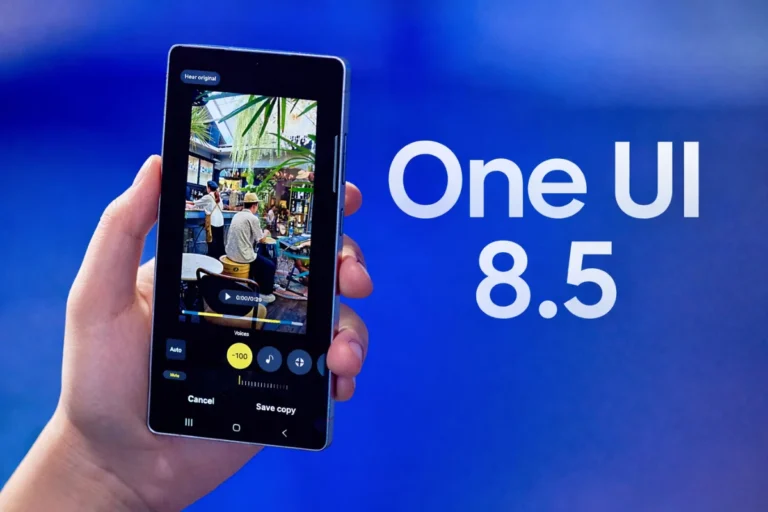
- Streamlined Photo Assist: Samsung’s on-device AI photo editing becomes more fluid. You can now apply multiple edits (like AI Eraser or Move) in a continuous workflow without saving each step, preserving your creative flow.
- Smarter Quick Share: The sharing feature will proactively identify faces in your photos and suggest sending them to contacts with matching profile pictures.
- Enhanced Theft Protection: A new security feature locks your phone if it detects too many failed unlock attempts due to incorrect fingerprints, PINs, or passwords, providing stronger protection against theft.
With a focus on customization, ecosystem integration, and refined visuals, One UI 8.5 is poised to be a meaningful update for Galaxy users. As we move closer to the Galaxy S26 series launch in February, we expect more details to emerge, so stay tuned for further updates.