
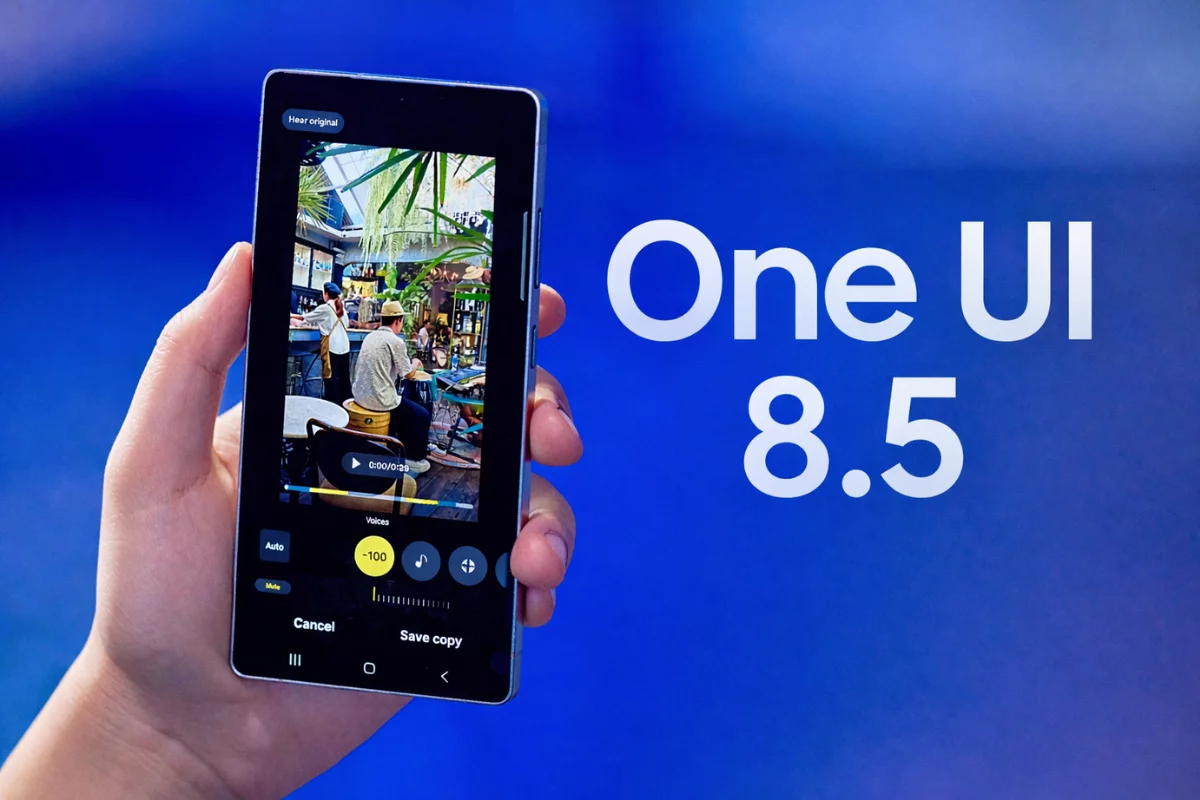
One UI 8.5 is no longer just a Galaxy S25 affair. Samsung has expanded its beta program significantly this time around, bringing it to a much wider range of devices, including several mid-range Galaxy A-series phones.
Historically, Samsung’s beta programs for minor One UI updates were almost exclusively limited to high-end Galaxy devices. One UI 8.5, based on Android 16 QPR2, breaks that pattern. The beta is now live for flagship S-series devices going back three generations, both current foldables and their predecessors, and even a handful of mid-range A-series phones. That’s a notable shift in Samsung’s approach, and it means far more users can get early access to what’s coming.
Here’s a full list of Galaxy devices eligible for the One UI 8.5 beta program:
- Galaxy S25, S25+, S25 Ultra, S25 FE
- Galaxy S24, S24+, S24 Ultra, S24 FE
- Galaxy S23, S23+, S23 Ultra, S23 FE
- Galaxy Z Fold 7, Z Fold 6, Z Fold 5
- Galaxy Z Flip 7, Z Flip 6, Z Flip 5
- Galaxy A55, A36, A35
Worth noting is that the beta is currently live in six markets only: India, South Korea, Germany, Poland, the US, and the UK. If your device is on the list but you’re outside these regions, you’ll have to wait for now. Samsung has been preparing to expand the beta program for a while, so this broader rollout isn’t entirely a surprise.
The list could still grow. Samsung may add more devices in the coming weeks, and we’ll update this page when that happens. If you want to know whether your Galaxy will eventually receive the stable update, check out our One UI 8.5 eligible devices guide.
How to join the One UI 8.5 beta program
Before you jump in, keep in mind that beta builds can have bugs and occasional broken features. Back up your data first, just to be safe.
- Open the Samsung Members app on your phone.
- Sign in with your Samsung account if you haven’t already.
- Tap the One UI Beta Program banner. If it’s not visible, the beta isn’t open for your device yet.
- Accept the terms and conditions to enroll.
- Go to Settings > Software updates and tap Download and install.
- Once the download finishes, tap Install now.
If you’re wondering how close the stable release is, the One UI 8.5 update for Galaxy S25 series is already looking fairly imminent. For other Galaxy models, the timeline looks a bit different. We’ll keep you updated as things progress, so stay tuned.


mere phone m nhi a Raha h