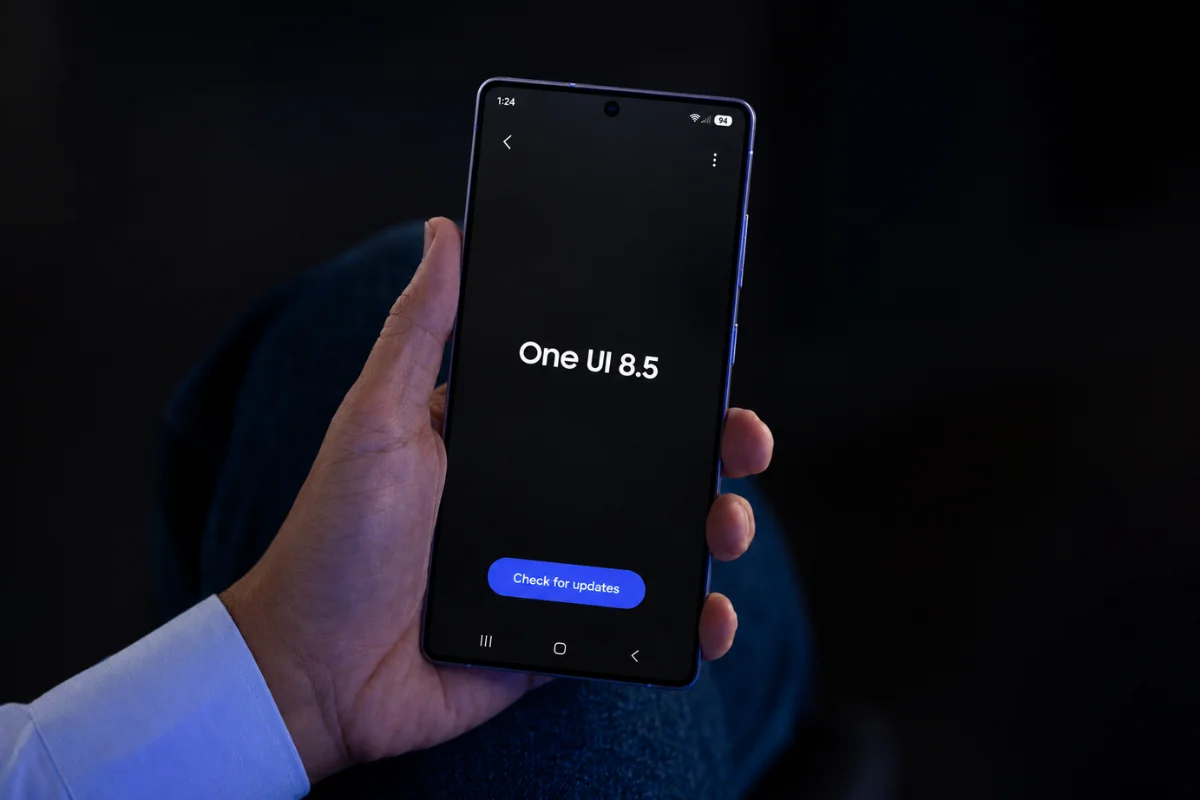
Samsung’s stable One UI 8.5 rollout has hit a snag for AT&T customers. Galaxy phone users on the carrier are reporting that video calling through the native Phone app has stopped working after updating to the latest software.
The problem shows up as a “video declined” error when trying to place a video call through Samsung’s Phone app. Strangely, the issue isn’t blanket — video calls through third-party apps like Google Meet are working just fine for the same users. It’s specifically the built-in Phone app that seems to be misbehaving.
Reports (via Sammobile) have come in from owners of the Galaxy S23, Galaxy S24, and Galaxy S25, as well as some Galaxy A series devices. That’s a fairly wide range of hardware, which points toward a software or network configuration issue rather than anything device-specific. What makes the situation a bit harder to pin down is that the problem appears inconsistent. Some users say the feature works normally on their device while others in the same household can’t get it to function at all.
The issue also doesn’t seem to be one-directional. It surfaces both when an affected Galaxy phone tries to call another Android device and when an incoming video call is placed to the Galaxy phone from another device.
AT&T or Samsung — who’s responsible?
That’s the question nobody can answer right now. No similar reports have surfaced from users on other carriers or those running unlocked firmware, which does narrow things down to the AT&T side of the equation. But whether the root cause lies with AT&T’s network configuration or something in Samsung’s carrier-specific build of One UI 8.5 isn’t clear yet. Neither Samsung nor AT&T has acknowledged the issue publicly.
If you’re an AT&T subscriber and your Galaxy phone recently picked up the One UI 8.5 update, it’s worth checking whether video calling through the Phone app is still working on your end. For those already running into the error, using Google Meet or another third-party app for video calls is the practical workaround for now.
We’ll keep you updated as more information becomes available.