
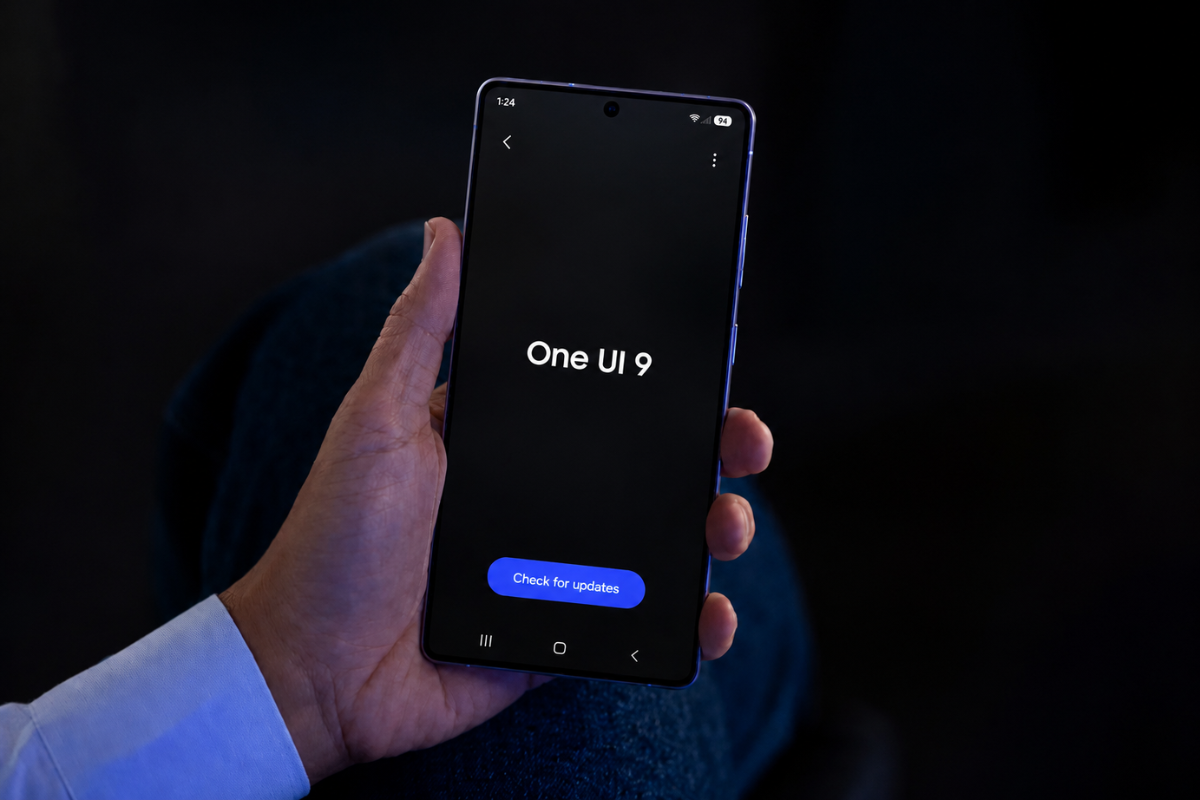
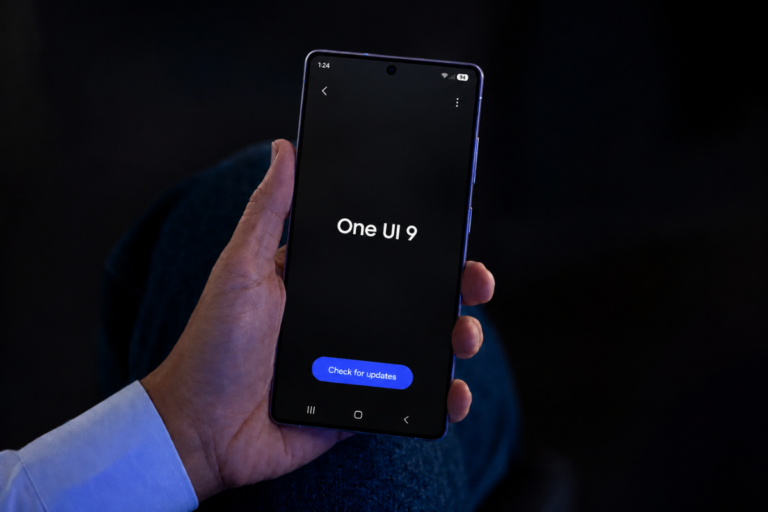
Samsung’s Quick Panel is getting a proper overhaul in One UI 9, and a side-by-side comparison with One UI 8.5 makes the difference pretty hard to miss. The upcoming version refines just about every layer of the panel, from the sliders to the tile layout.
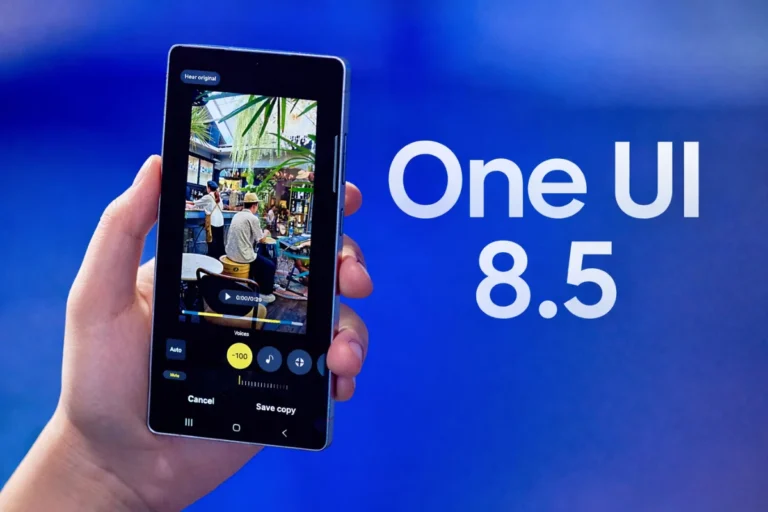
Most Samsung users are still waiting on One UI 8.5, which only recently began its stable rollout after more than five months of beta testing. But while that’s the current priority, One UI 9 development is already underway, and early looks at the interface suggest Samsung is pushing the Quick Panel further than ever before.
What One UI 9 changes about the Quick Panel
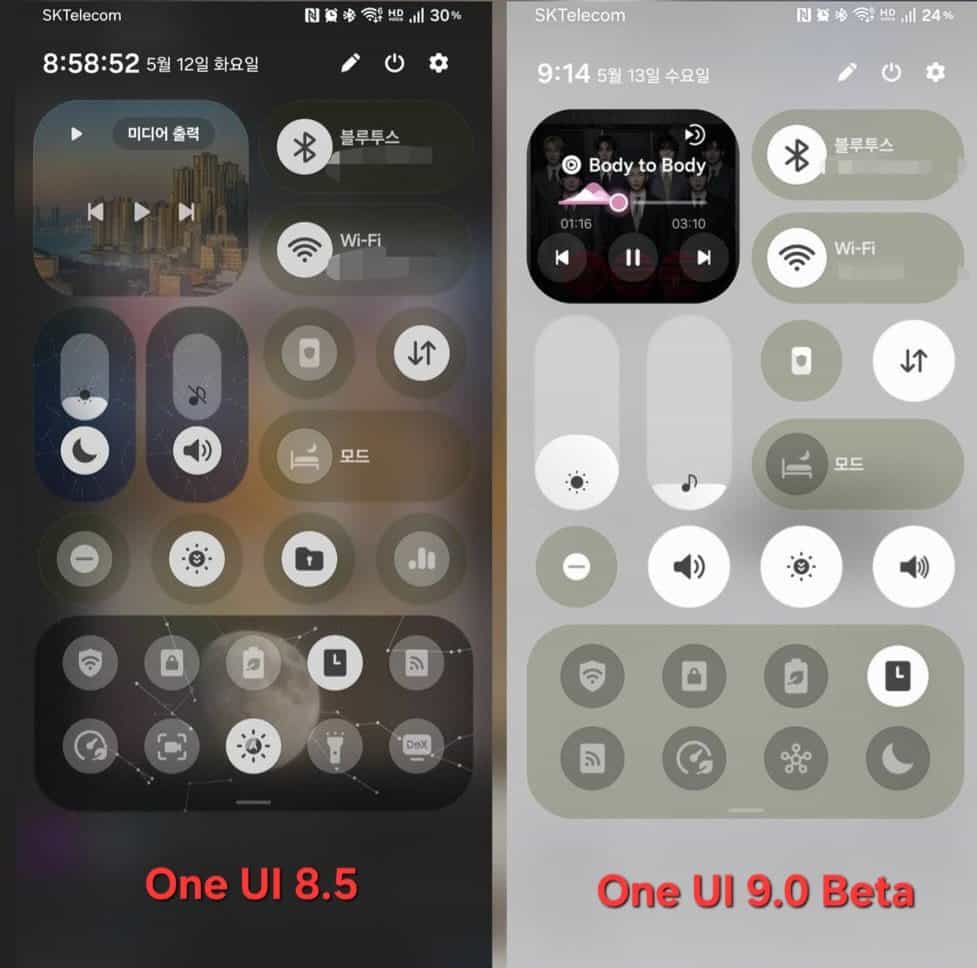
The most noticeable visual change is to the volume and brightness sliders. In One UI 9, the buttons that were previously attached to each slider have been separated, giving the controls a cleaner, less cluttered look. The sliders themselves are also thicker, which makes the whole panel feel more intentional and easier to interact with.
Perhaps the most useful change, though, is what Samsung is doing with tile and toggle placement. One UI 9 removes the system-level restrictions on where you can position things, meaning you can place any tile or toggle wherever you want without hitting an invisible ceiling on personalization. That’s a meaningful step up from what’s available today.
The Status Bar and header carry over a familiar look from One UI 8.5, so it’s not a complete visual reset. Samsung has kept recognizable elements while refining the parts that users interact with most.
It’s worth tracing how this part of the interface evolved. Galaxy phones had the same basic Quick Settings layout through One UI 6. One UI 7 was the real turning point, separating the notification shade from the Settings panel entirely and giving the Quick Panel its own distinct identity.
One UI 8 followed up with thinner tile borders, nudging the design toward a frosted glass aesthetic. One UI 8.5 took that further, introducing more customization options for how the panel looks and feels. One UI 9 seems to complete that arc, at least for now, by making the layout genuinely flexible rather than just visually updated.
According to the source, One UI 9 is based on Android 16 and 17, and Samsung is using that foundation to open up the Quick Panel structure for deeper personalization. The level of control is described as comparable to what Pixel phones offer, which is saying something for a Samsung interface that has historically leaned toward guided customization.
For those still waiting on One UI 8.5 for their Galaxy device, One UI 9 is still some way off. But it’s clear Samsung has a clear direction in mind for where the Quick Panel is headed. Stay tuned for more updates as One UI 9 development progresses.

Hello,
I’m a tech enthusiast interested in remote part-time tech writing opportunities. I regularly follow smartphone launches, Android/iOS updates, One UI changes, leaks, and general mobile tech news.
I currently run a tech-focused X page and I’m looking to contribute short news articles or tech-related content remotely on a freelance basis. I can write consistently and stay updated with current tech trends daily.
I’ve attached/shared a sample article below for reference:
https://docs.google.com/document/d/10XbFszsB6jt3_mJVpBLtJuA8MkmD3S5l-DnHZzJL3yaM/edit?usp=drivesdk
Please let me know if there are any contributor or freelance writing opportunities available.
Thank you for your time.
Best regards,
@techactually (x)